Live web dashboard
Serve a page showing temperature, humidity and light level, refreshing on its own so you never reload it. You will meet the reason embedded web work is fiddly: the board has little memory, so you build the page as a small template and send only the numbers on refresh rather than the whole document. Leave it running and the kit stops being a desk toy.
What this project uses
Every item is in the kit — nothing extra to buy.



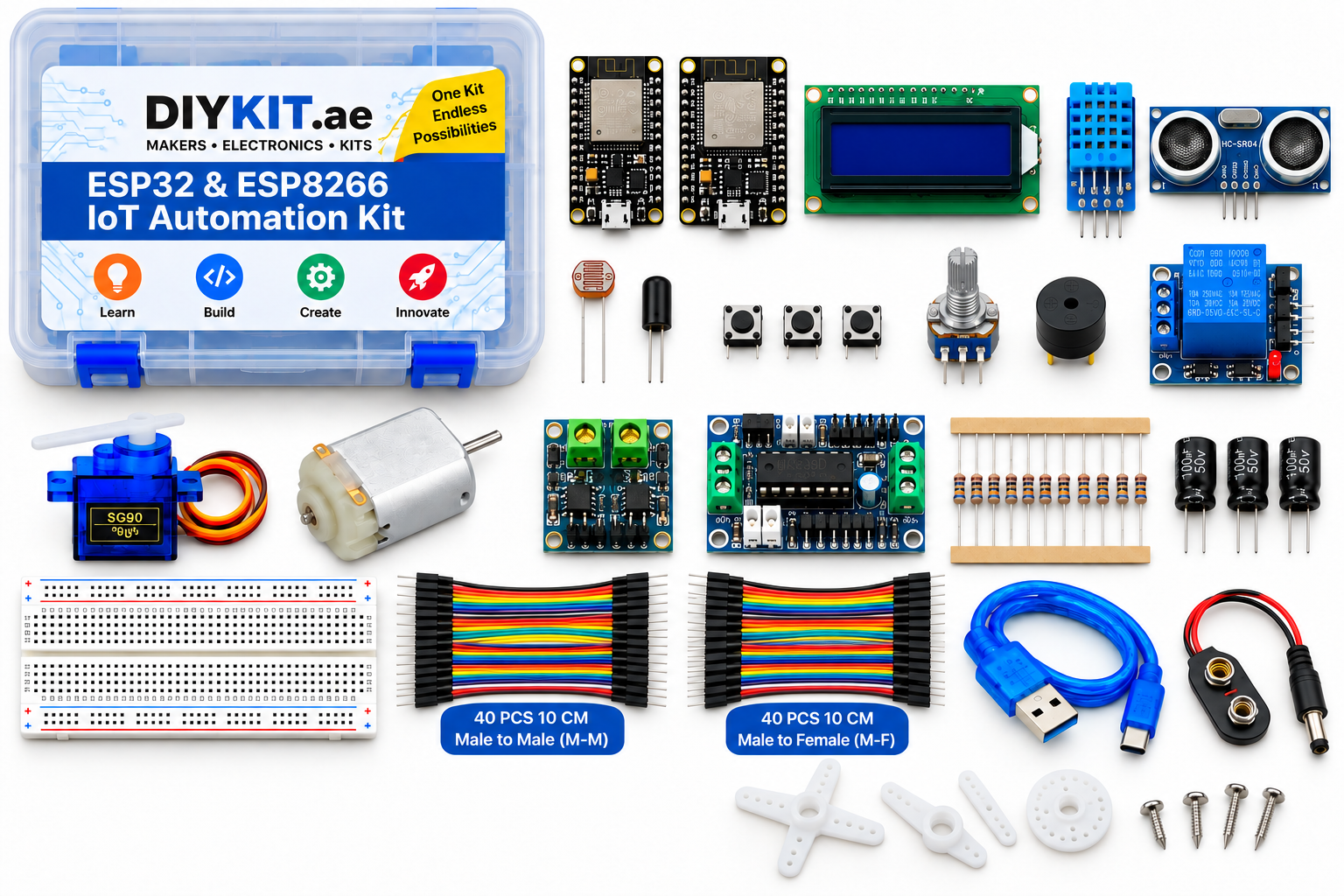
ESP32 & ESP8266 IoT Automation Kit
All 24 parts in one box, with this project and 15 more to build from them.
Need only these parts? Order them loose · from AED 106.07
One of each part. Packs (resistor assortment, jumper wires) already hold more than a single build needs. Backorder parts ship once they arrive — the kit above has every part boxed today. Delivery is free on orders AED 150.00+.
Sketch for this project
Written for the board in the kit. Copy it into the Arduino IDE; change the pin numbers if you wire it differently.
/*
15 — Live web dashboard
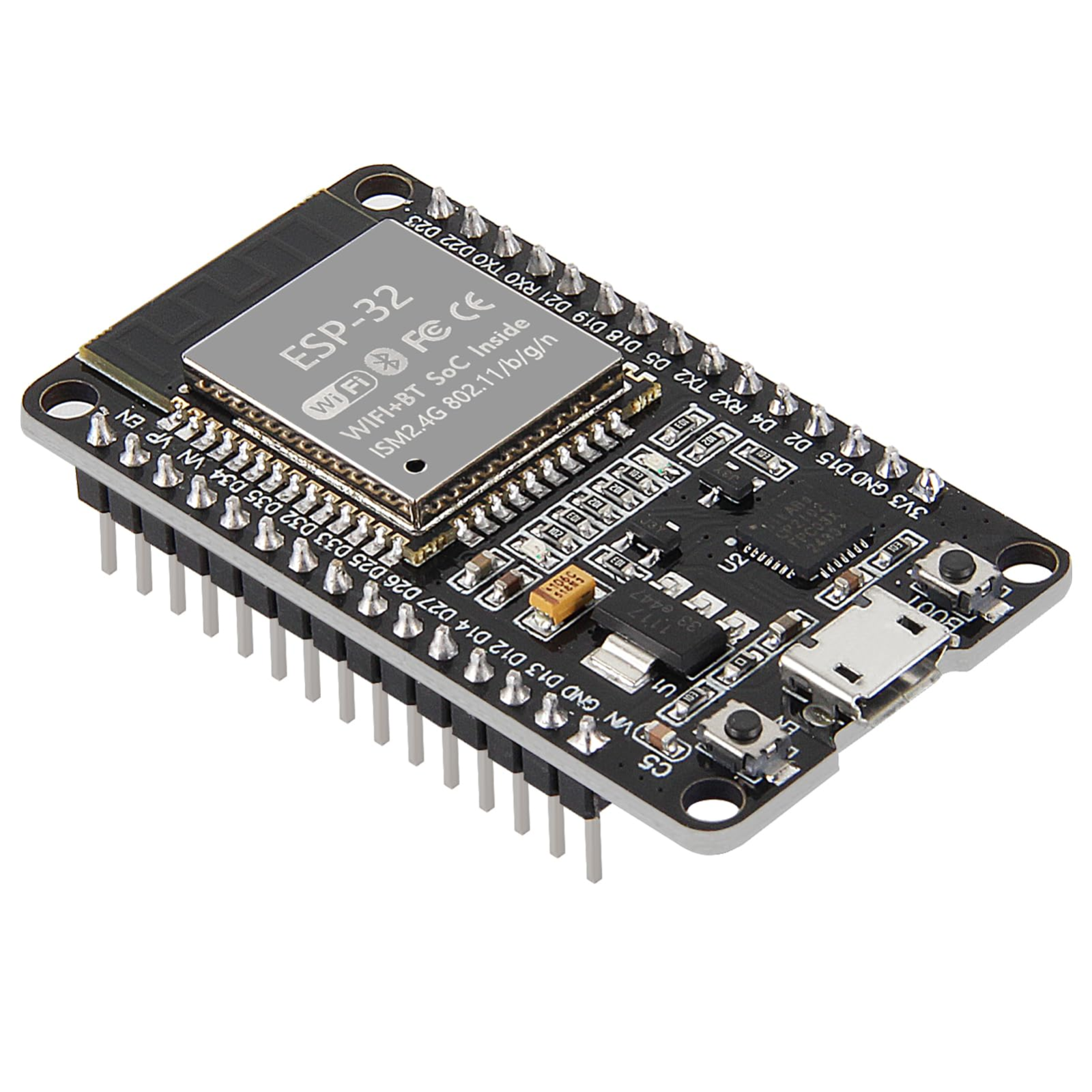
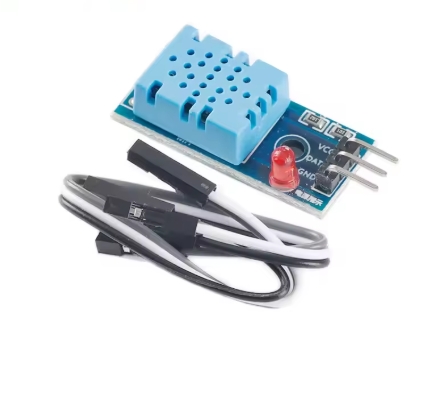
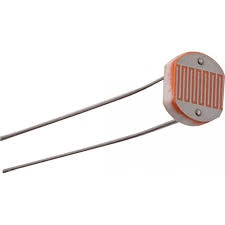
Board: ESP32. Parts: DHT11, photoresistor, 10 kΩ resistor.
Library: "DHT sensor library" (Adafruit) + Adafruit Unified Sensor.
Wiring:
DHT11: VCC -> 3V3, GND -> GND, DATA -> GPIO 4
Photoresistor: one leg -> 3V3, other leg -> GPIO 34 AND -> 10 kΩ -> GND
(GPIO 34 is on ADC1, which keeps working while WiFi is on;
ADC2 pins do not)
A page showing temperature, humidity and light, refreshing on its own. The
board has little memory, so the page is a small template sent once and the
browser fetches only the numbers (/data, as JSON) every 2 seconds.
*/
#include <WiFi.h>
#include <WebServer.h>
#include "DHT.h"
const char* WIFI_SSID = "YOUR-WIFI-NAME";
const char* WIFI_PASS = "YOUR-WIFI-PASSWORD";
const int DHT_PIN = 4, LDR_PIN = 34;
DHT dht(DHT_PIN, DHT11);
WebServer server(80);
float lastT = NAN, lastH = NAN; int lastLight = 0;
unsigned long lastRead = 0;
const char PAGE[] PROGMEM = R"HTML(<!doctype html><html><head><meta name=viewport content='width=device-width,initial-scale=1'>
<title>Room dashboard</title><style>body{font-family:sans-serif;background:#111;color:#eee;text-align:center;padding:30px}
.card{display:inline-block;margin:10px;padding:24px 32px;background:#222;border-radius:14px;min-width:140px}
.v{font-size:44px;font-weight:700}.l{color:#999;font-size:14px}</style></head><body>
<h2>ESP32 room dashboard</h2>
<div class=card><div class=v id=t>--</div><div class=l>temperature °C</div></div>
<div class=card><div class=v id=h>--</div><div class=l>humidity %</div></div>
<div class=card><div class=v id=li>--</div><div class=l>light (0-4095)</div></div>
<p class=l id=age>waiting for data</p>
<script>
async function tick(){try{const r=await fetch('/data');const d=await r.json();
t.textContent=d.t.toFixed(1);h.textContent=d.h.toFixed(0);li.textContent=d.light;age.textContent='updated '+new Date().toLocaleTimeString();}
catch(e){age.textContent='board not answering';}}
tick();setInterval(tick,2000);
</script></body></html>)HTML";
void readSensors() {
if (millis() - lastRead < 2000) return; // DHT11 limit
lastRead = millis();
float t = dht.readTemperature(), h = dht.readHumidity();
if (!isnan(t)) lastT = t;
if (!isnan(h)) lastH = h;
lastLight = analogRead(LDR_PIN);
}
void setup() {
Serial.begin(115200);
dht.begin();
WiFi.mode(WIFI_STA);
WiFi.begin(WIFI_SSID, WIFI_PASS);
while (WiFi.status() != WL_CONNECTED) { delay(500); Serial.print("."); }
Serial.println();
Serial.print("Open http://"); Serial.println(WiFi.localIP());
server.on("/", []() { server.send_P(200, "text/html", PAGE); });
server.on("/data", []() {
String j = "{\"t\":" + String(isnan(lastT) ? 0 : lastT, 1)
+ ",\"h\":" + String(isnan(lastH) ? 0 : lastH, 0)
+ ",\"light\":" + String(lastLight) + "}";
server.send(200, "application/json", j);
});
server.begin();
}
void loop() {
readSensors();
server.handleClient();
}More from this kit
WiFi-controlled switch
Join your network, run a small web server on the board, and serve a page with a button that toggles the relay. The board's own IP becomes the address you open from a pho…
Two-board sensor network
The NodeMCU sits with the sensor and posts its readings over WiFi; the ESP32 receives them and puts them on the LCD. Both boards run at once, so power one from USB and t…
Blink and read a button
Both boards carry an onboard LED, so your first sketch needs no wiring at all — blink it, change the timing, watch it obey. Then add a tactile switch to a GPIO pin with…