Radar-style scanner
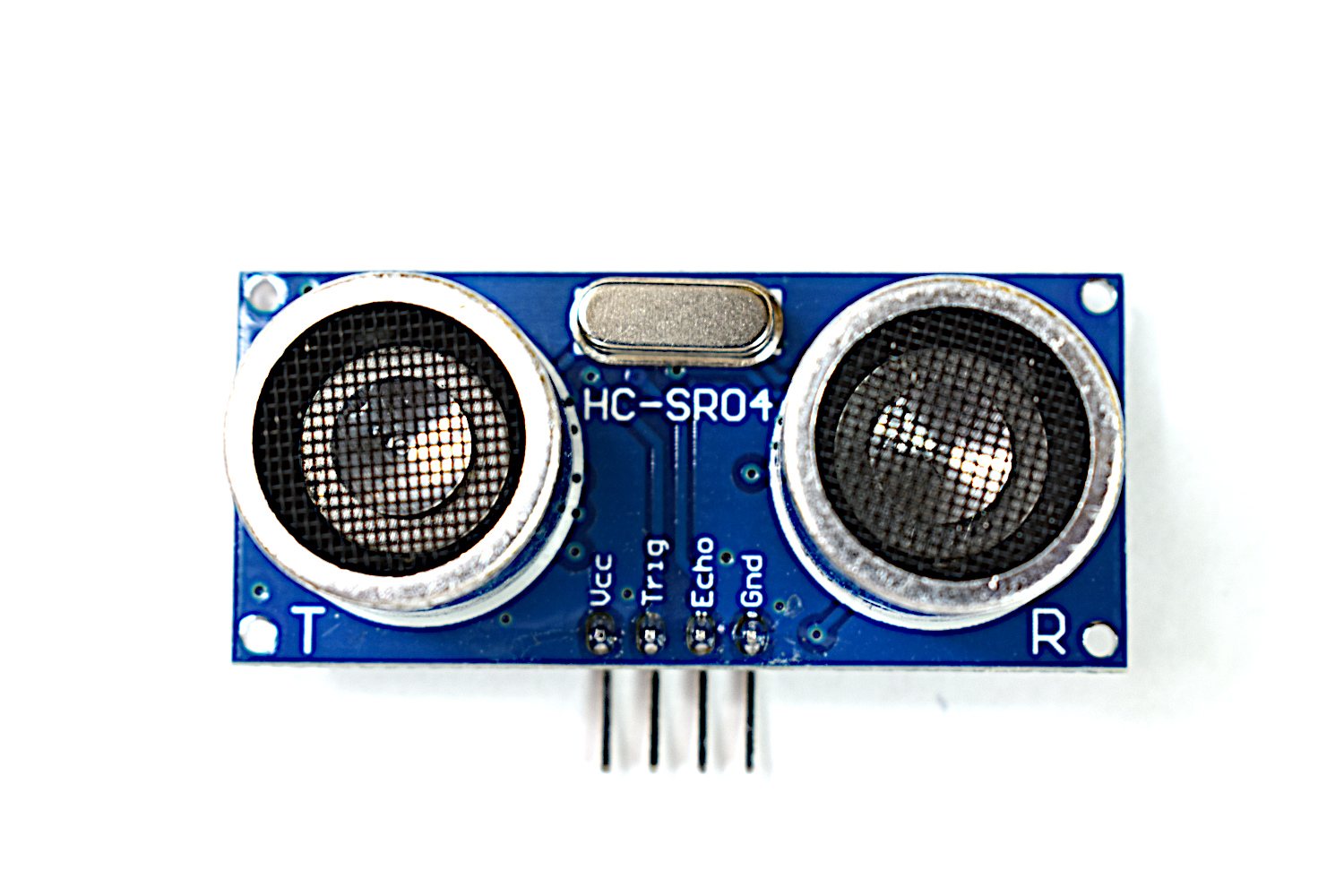
Mount the ultrasonic sensor on the servo, sweep it through its range, and record distance at each angle. You now have a set of angle-and-distance pairs — a crude map of what is in front of the sensor. It pulls together PWM, pulse timing and display output in one build, and is the first project where the output is data rather than a single number.
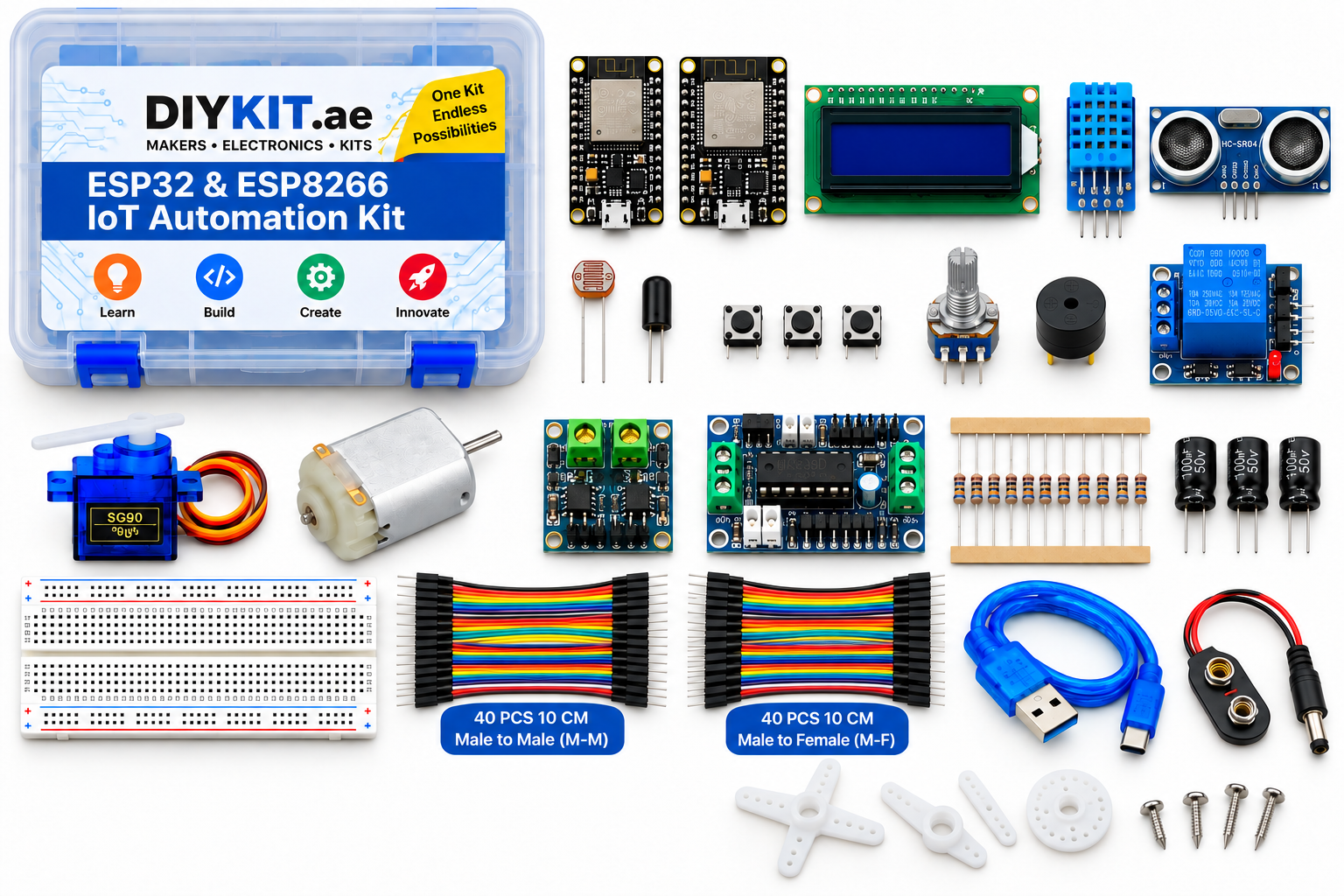
What this project uses
Every item is in the kit — nothing extra to buy.
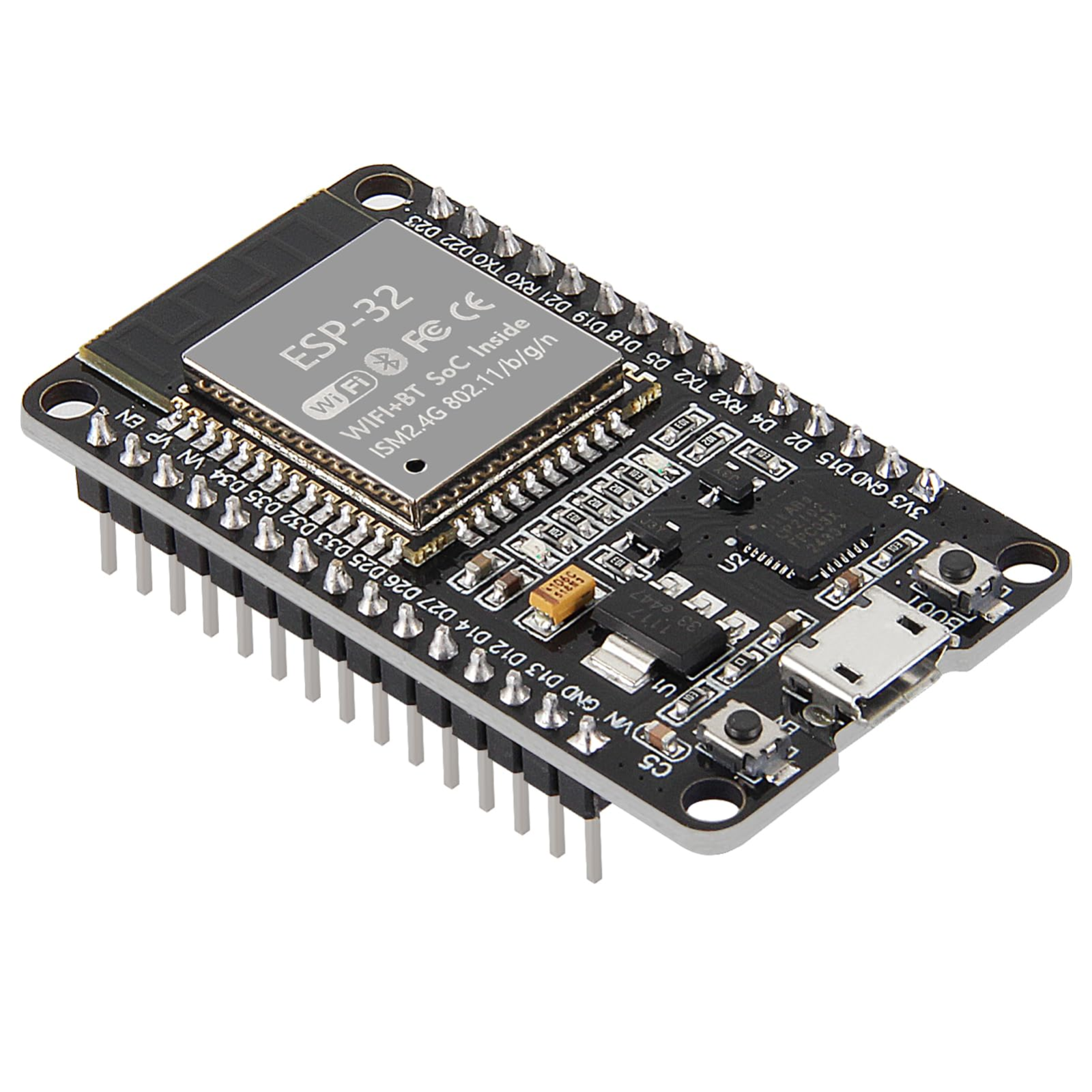



ESP32 & ESP8266 IoT Automation Kit
All 24 parts in one box, with this project and 15 more to build from them.
Need only these parts? Order them loose · from AED 124.41
One of each part. Packs (resistor assortment, jumper wires) already hold more than a single build needs. Backorder parts ship once they arrive — the kit above has every part boxed today. Delivery is free on orders AED 150.00+.
Sketch for this project
Written for the board in the kit. Copy it into the Arduino IDE; change the pin numbers if you wire it differently.
/*
  12 — Radar-style scanner
  Board: ESP32.  Parts: SG90 servo, HC-SR04, LCD 1602 (I2C backpack), 3 x 1 kΩ.
  Libraries: "ESP32Servo", "LiquidCrystal I2C" (Frank de Brabander).

  Wiring:
    SG90:    brown -> GND, red -> VIN (5 V), signal -> GPIO 13; mount the HC-SR04 on the horn
    HC-SR04: VCC -> VIN, GND -> GND, TRIG -> GPIO 5
             ECHO -> 1 kΩ -> GPIO 18, then two 1 kΩ in series from GPIO 18 -> GND
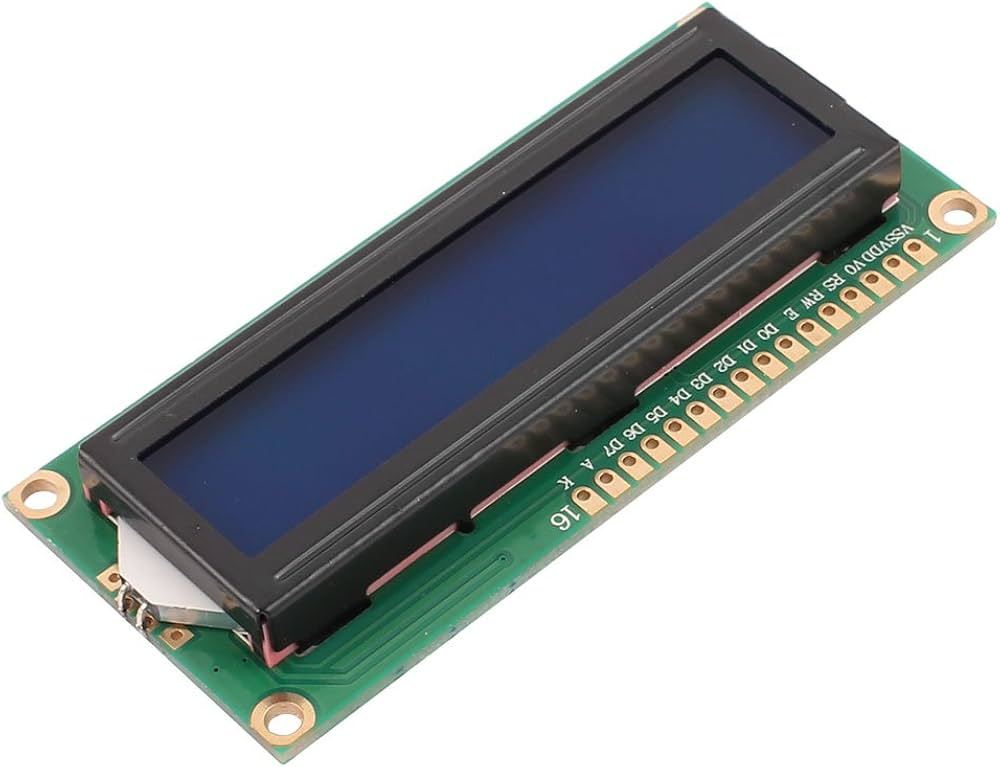
    LCD:     VCC -> VIN, GND -> GND, SDA -> GPIO 21, SCL -> GPIO 22

  Sweep the sensor through its range and record distance at each angle. The
  output is a set of angle/distance pairs — a crude map of what is in front —
  printed to Serial as CSV (angle,cm) and summarised on the LCD.
*/

#include <ESP32Servo.h>
#include <Wire.h>
#include <LiquidCrystal_I2C.h>

const int SERVO_PIN = 13, TRIG_PIN = 5, ECHO_PIN = 18;
const int SWEEP_FROM = 15, SWEEP_TO = 165, STEP_DEG = 5;

Servo servo;
LiquidCrystal_I2C lcd(0x27, 16, 2);

float readCm() {
  digitalWrite(TRIG_PIN, LOW);  delayMicroseconds(2);
  digitalWrite(TRIG_PIN, HIGH); delayMicroseconds(10);
  digitalWrite(TRIG_PIN, LOW);
  unsigned long us = pulseIn(ECHO_PIN, HIGH, 25000UL);
  return us == 0 ? -1 : us / 58.0;
}

void scan(int from, int to, int step) {
  float nearest = 1e9; int nearestAt = -1;
  for (int a = from; (step > 0) ? a <= to : a >= to; a += step) {
    servo.write(a);
    delay(60);                                   // let the horn settle
    float cm = readCm();
    Serial.print(a); Serial.print(","); Serial.println(cm, 1);   // CSV: angle,cm
    if (cm > 0 && cm < nearest) { nearest = cm; nearestAt = a; }
    lcd.setCursor(0, 0);
    lcd.print("angle "); lcd.print(a); lcd.print((char)223); lcd.print("     ");
  }
  lcd.setCursor(0, 1);
  if (nearestAt < 0) lcd.print("nothing in range");
  else { lcd.print("near "); lcd.print(nearest, 0); lcd.print("cm @"); lcd.print(nearestAt); lcd.print((char)223); lcd.print("  "); }
}

void setup() {
  Serial.begin(115200);
  pinMode(TRIG_PIN, OUTPUT);
  pinMode(ECHO_PIN, INPUT);
  servo.setPeriodHertz(50);
  servo.attach(SERVO_PIN, 500, 2400);
  lcd.init(); lcd.backlight();
  lcd.print("Scanning...");
  Serial.println("angle,cm");
}

void loop() {
  scan(SWEEP_FROM, SWEEP_TO,  STEP_DEG);
  scan(SWEEP_TO,   SWEEP_FROM, -STEP_DEG);
}More from this kit
Servo gate or pet feeder
The SG90 holds a commanded angle rather than just spinning, which is what makes it useful for gates, dispensers and valves. You drive it with a PWM pulse whose width set…
Motor speed control
Turn the knob, the motor changes speed. PWM switches power on and off faster than the motor can respond, so average voltage falls and so does speed. You also learn why a…
Two drivers, one motor
Run the same motor through both drivers and learn why there is more than one. The L9110 takes two pins per motor and you PWM one of them. The L293D separates the jobs: d…