Read the room
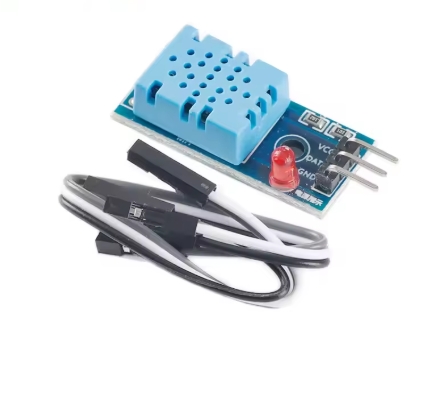
The DHT11 sends both temperature and humidity down a single data wire using its own timing protocol, so a library does the decoding for you. Wire three pins, install the library, and print readings to the serial monitor. Watch the values settle over a minute — the sensor needs warm-up, and knowing that stops you chasing a fault that is not there. Half the projects below start from this one.
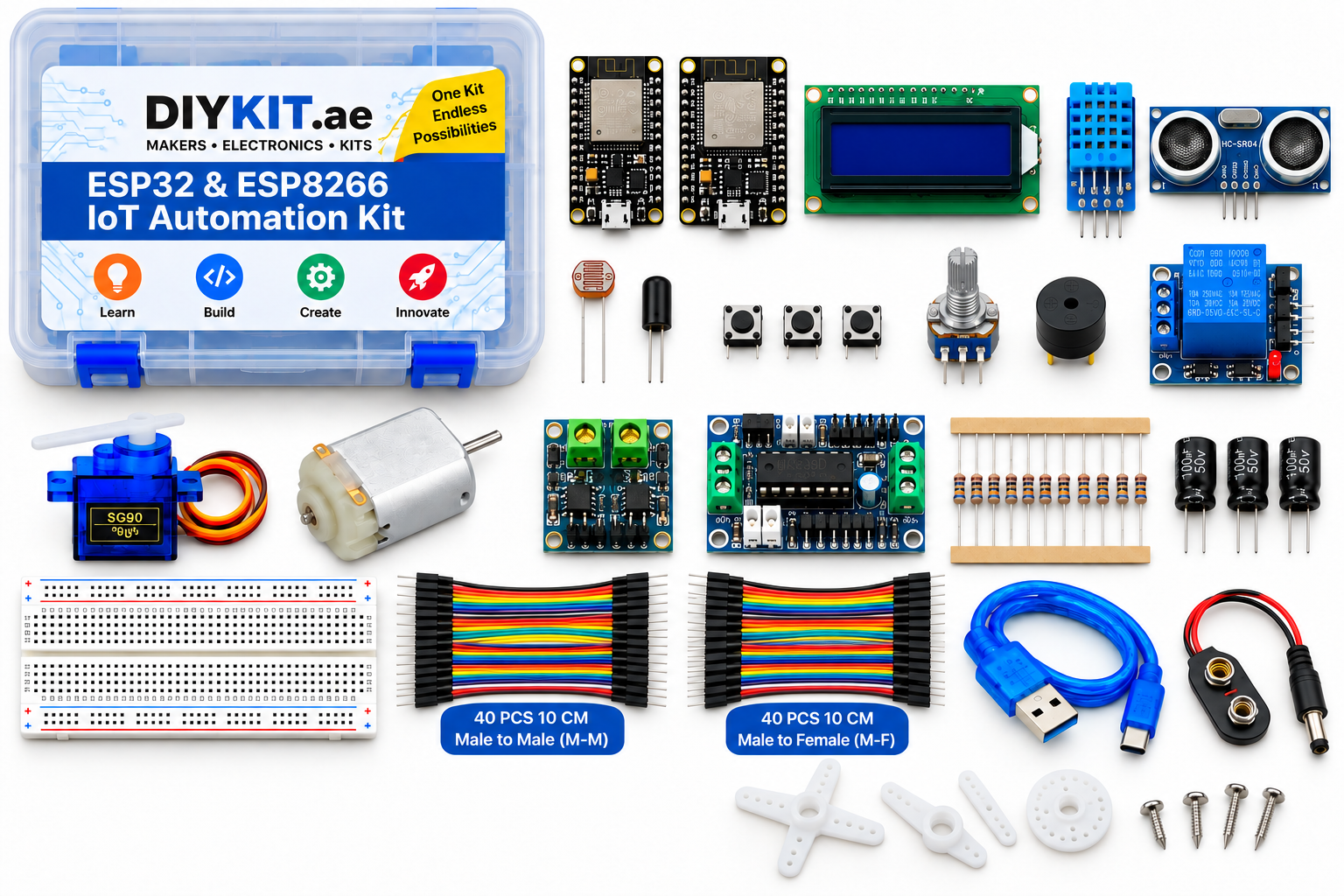
What this project uses
Every item is in the kit — nothing extra to buy.
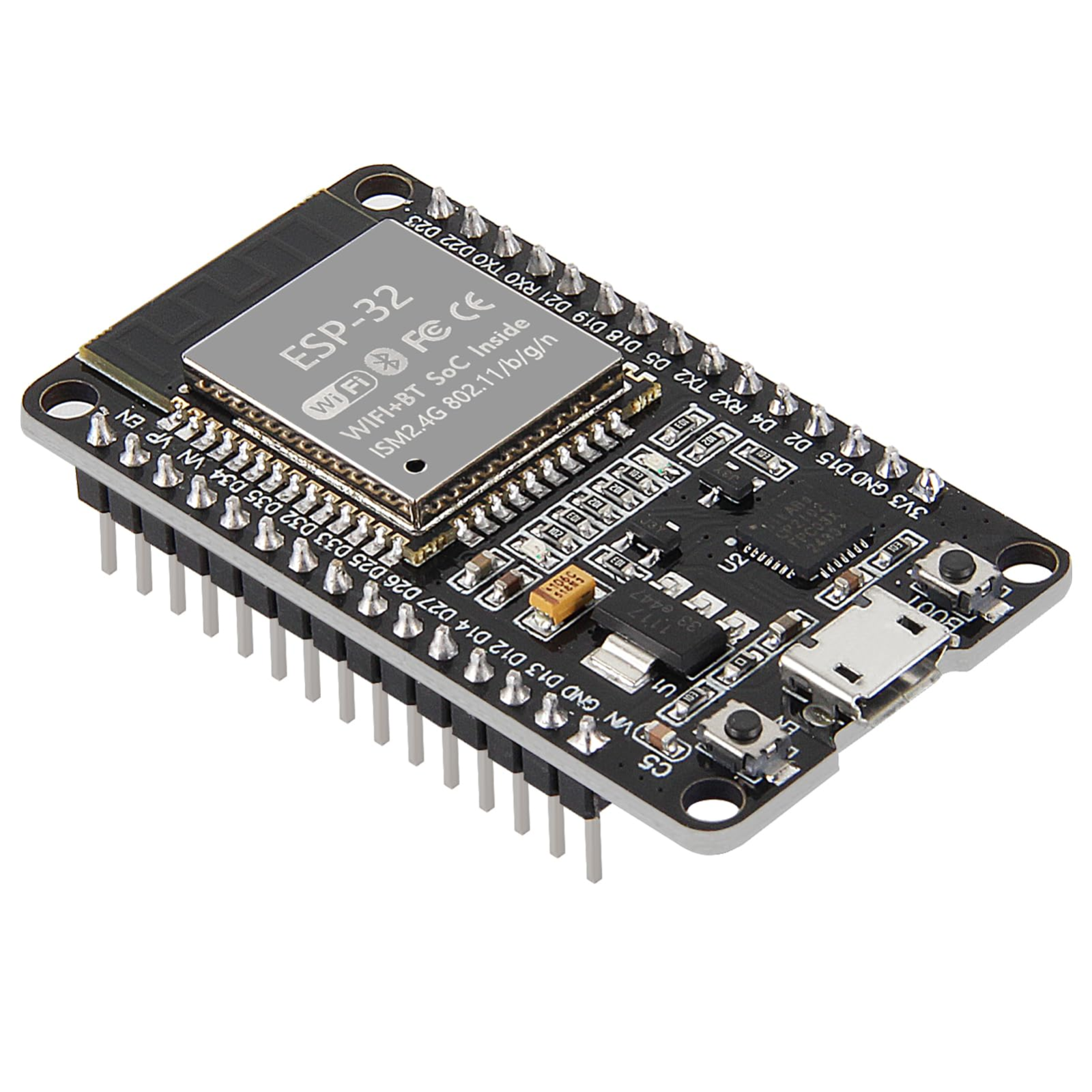



ESP32 & ESP8266 IoT Automation Kit
All 24 parts in one box, with this project and 15 more to build from them.
Need only these parts? Order them loose · from AED 106.07
One of each part. Packs (resistor assortment, jumper wires) already hold more than a single build needs. Backorder parts ship once they arrive — the kit above has every part boxed today. Delivery is free on orders AED 150.00+.
Sketch for this project
Written for the board in the kit. Copy it into the Arduino IDE; change the pin numbers if you wire it differently.
/*
  02 — Read the room
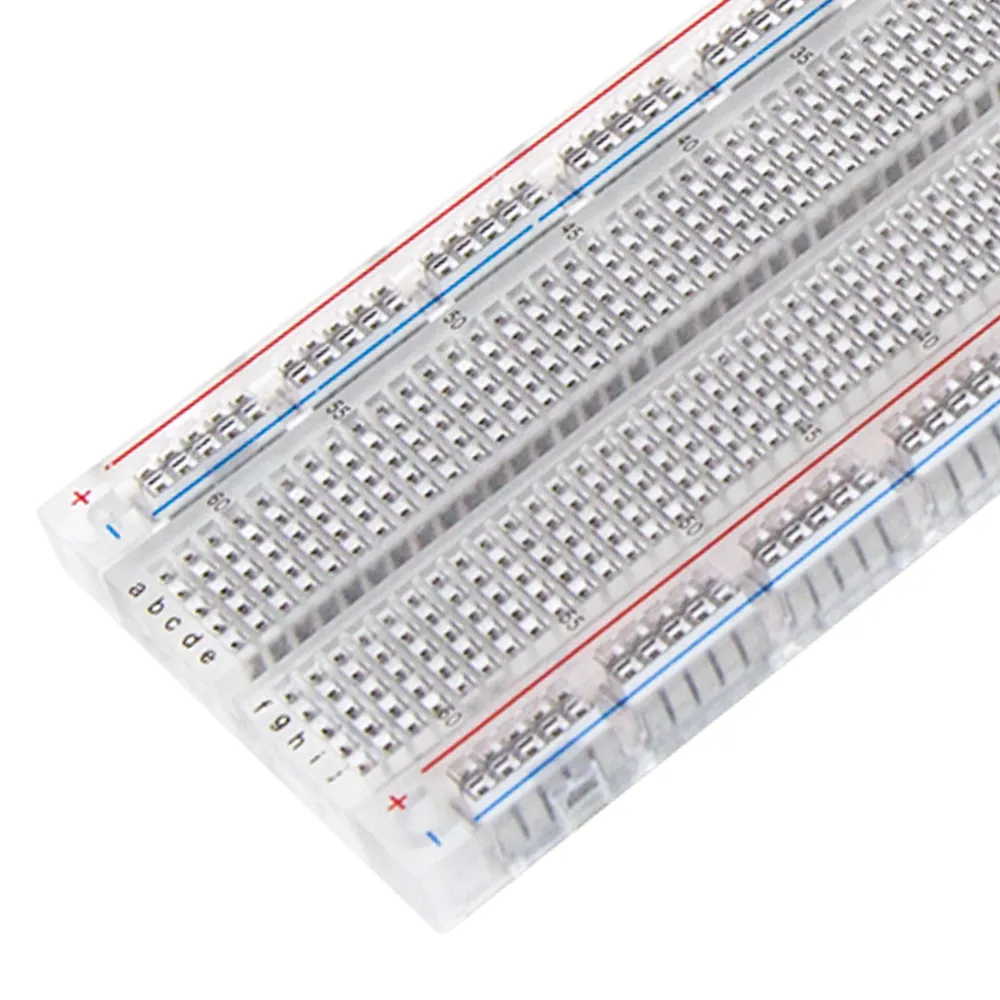
  Board: ESP32.  Parts: DHT11, breadboard, jumper wires.
  Library: "DHT sensor library" by Adafruit (+ Adafruit Unified Sensor).

  Wiring (DHT11 module, 3 pins): VCC -> 3V3, GND -> GND, DATA -> GPIO 4.
  The kit includes the DHT11 sensor module, so connect its three module pins directly as shown.

  The sensor needs ~2 s between readings and about a minute to settle after
  power-up; readings that drift at first are normal, not a fault.
*/

#include "DHT.h"

const int DHT_PIN = 4;
DHT dht(DHT_PIN, DHT11);

void setup() {
  Serial.begin(115200);
  dht.begin();
  Serial.println("DHT11 warming up...");
}

void loop() {
  delay(2000);                                 // DHT11 minimum sample interval
  float h = dht.readHumidity();
  float t = dht.readTemperature();             // Celsius
  if (isnan(h) || isnan(t)) {
    Serial.println("Read failed - check DATA pin and power, then wait 2 s");
    return;
  }
  Serial.print("Temperature: "); Serial.print(t, 1); Serial.print(" C   ");
  Serial.print("Humidity: ");    Serial.print(h, 0); Serial.println(" %");
}More from this kit
Temperature and humidity alarm
Show live readings on the LCD and sound the buzzer when the room crosses a threshold you set. The interesting part is what happens at the boundary: a naive version chatt…
Ultrasonic tape measure
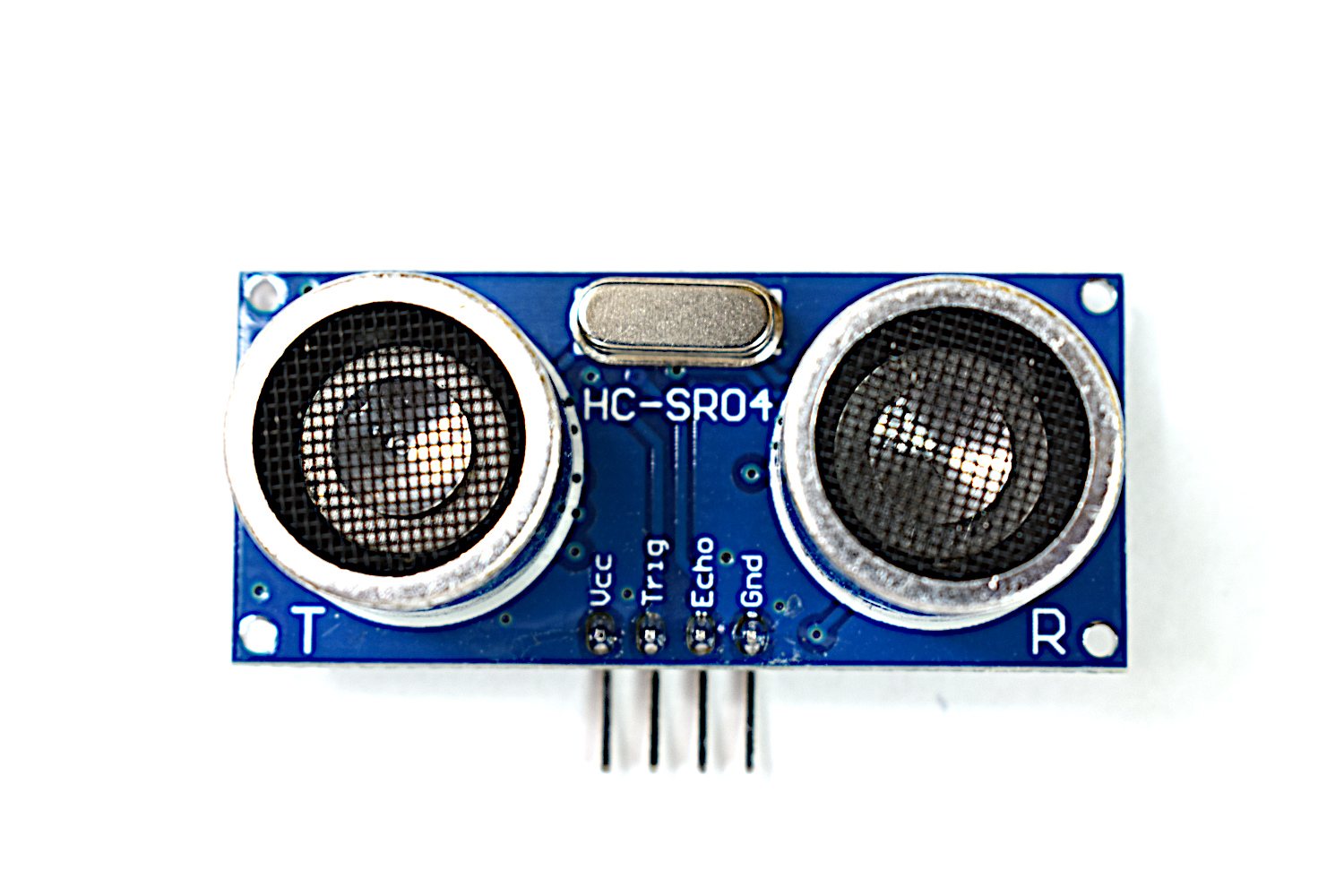
Send a pulse, time the echo, divide by two, convert to centimetres. Unlike an analog sensor this is a timing measurement, so you meet pulse timing and microsecond resolu…
Parking assistant
Take the distance reading and turn it into beep rate: slow far away, faster as you close in, solid at the stop point. Short to build, and it teaches you to turn a number…