Tilt and vibration alert
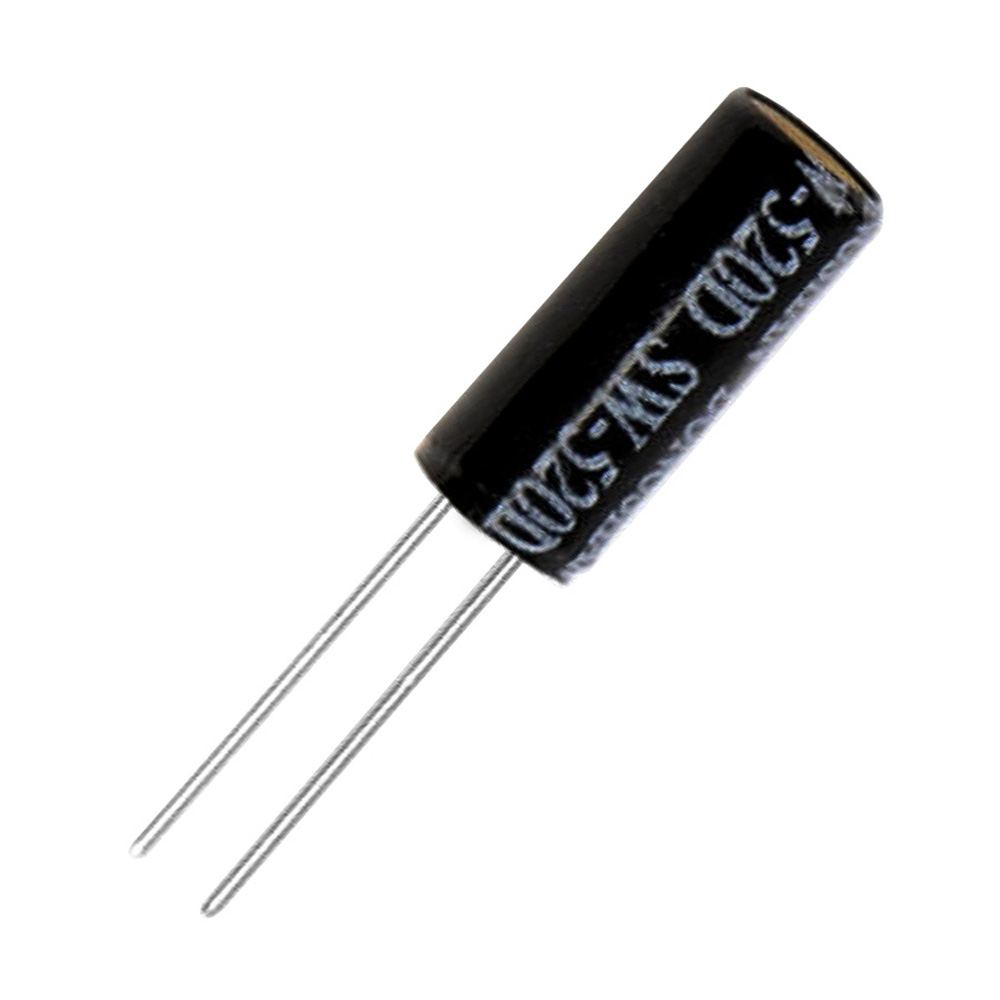
The SW-520D is a ball in a sealed tube: stand it upright and the leads connect, tilt it and they part. It is a bare two-lead component with no onboard circuitry, so you supply the pull-up yourself and read it exactly like a button — that is the lesson. Watch for the change rather than the level, debounce it, and latch the alert on until acknowledged instead of beeping once. Note it looks almost identical to a 100uF capacitor; check for the SW-520D marking before wiring.
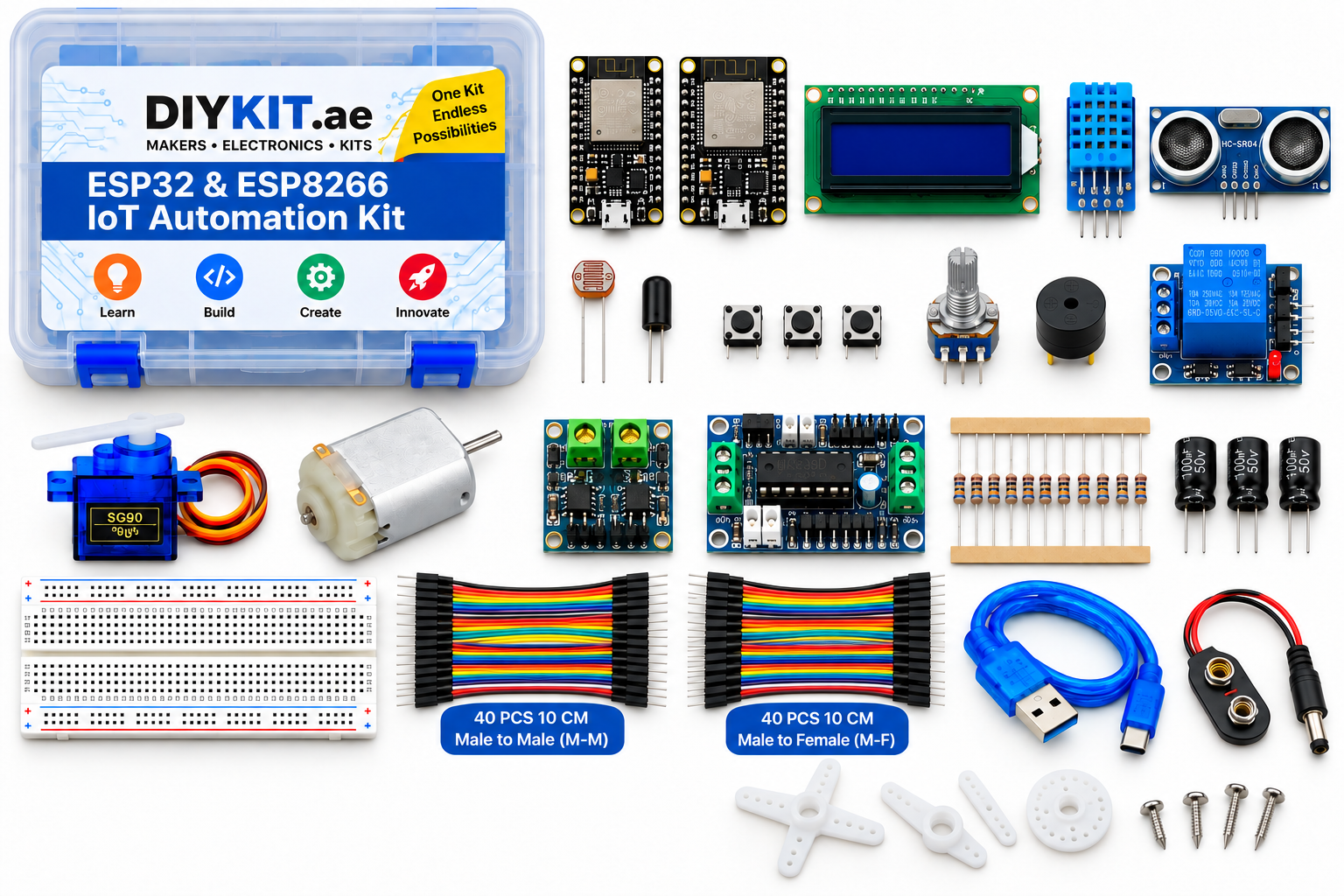
What this project uses
Every item is in the kit — nothing extra to buy.
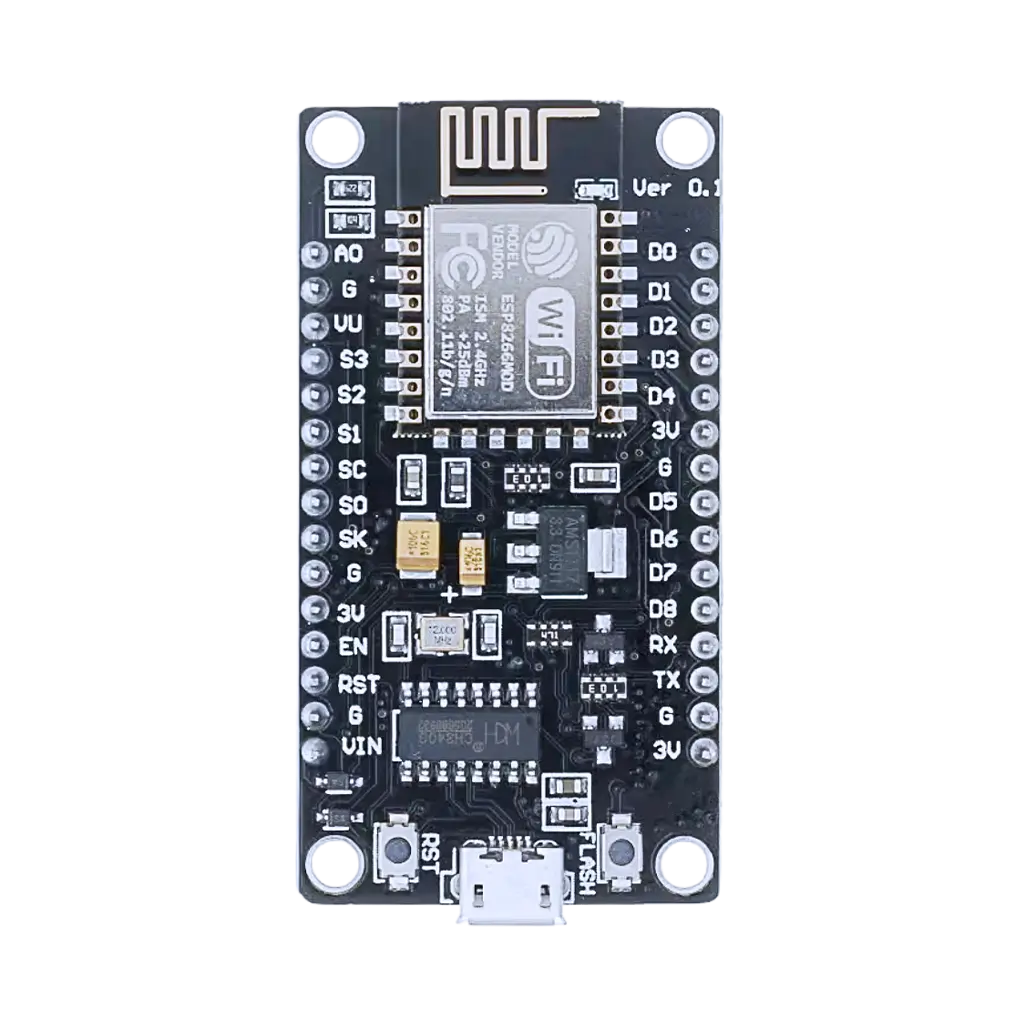

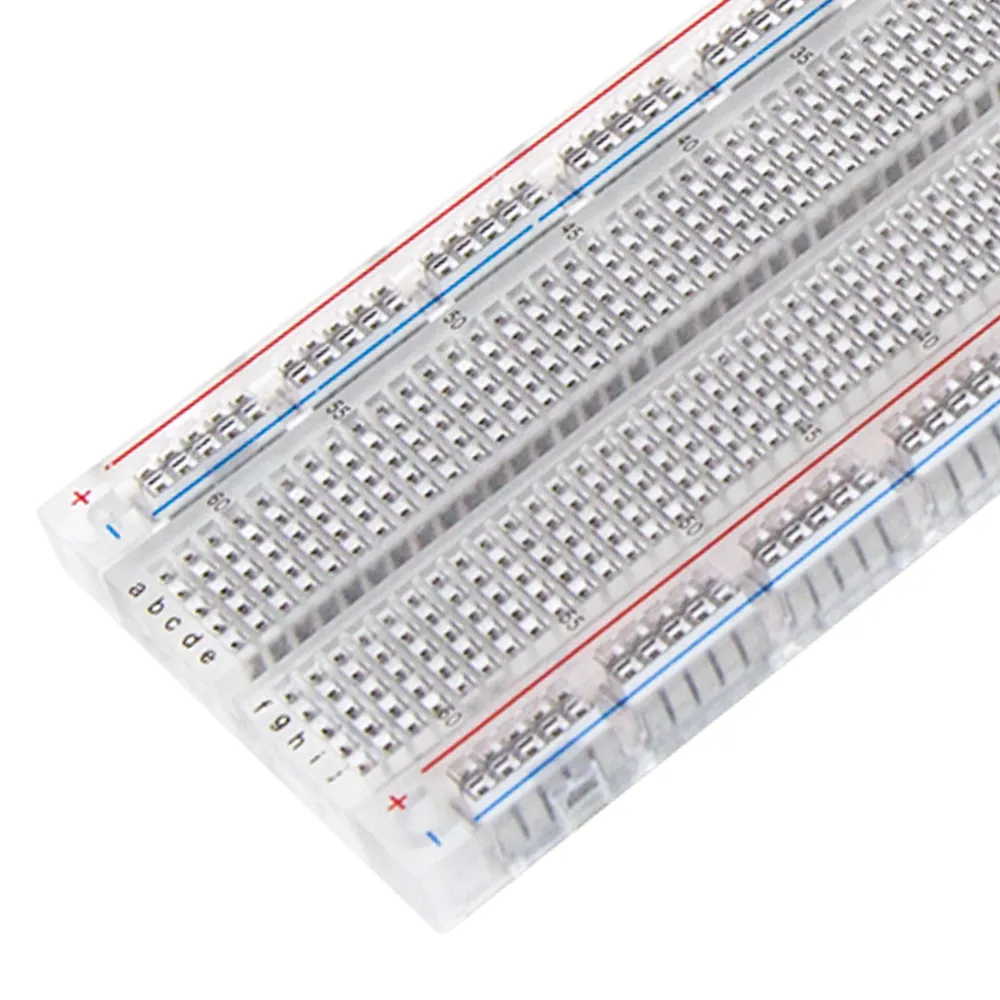



ESP32 & ESP8266 IoT Automation Kit
All 24 parts in one box, with this project and 15 more to build from them.
Need only these parts? Order them loose · from AED 114.62
One of each part. Packs (resistor assortment, jumper wires) already hold more than a single build needs. Backorder parts ship once they arrive — the kit above has every part boxed today. Delivery is free on orders AED 150.00+.
Sketch for this project
Written for the board in the kit. Copy it into the Arduino IDE; change the pin numbers if you wire it differently.
/*
  13 — Tilt and vibration alert
  Board: NodeMCU V3 ESP8266 development board.  Parts: SW-520D tilt switch, buzzer module, tactile switch (acknowledge).

  The SW-520D is a ball in a sealed tube: upright, the leads connect; tilted,
  they part. It is a bare two-lead part with no onboard circuitry, so YOU
  supply the pull-up (the board's internal one) and read it like a button.
  Check for the SW-520D marking — it looks almost identical to a 100 uF capacitor.

  Wiring:
    Tilt switch: one lead -> D5, other lead -> GND   (INPUT_PULLUP: upright = LOW, tilted = HIGH)
    Buzzer:      VCC -> 3V3, GND -> GND, IO -> D0
    Button:      one leg -> D3, other -> GND          (press to acknowledge and silence)

  Watch for the CHANGE rather than the level, debounce it, and LATCH the alert
  on until someone acknowledges it — instead of beeping once and going quiet.
*/

const int TILT_PIN   = D5;
const int BUZZER_PIN = D0;
const int ACK_PIN    = D3;

const unsigned long DEBOUNCE_MS = 50;
int  stableTilt = LOW;
int  lastReading = LOW;
unsigned long lastChange = 0;
bool alert = false;

void setup() {
  Serial.begin(115200);
  pinMode(TILT_PIN, INPUT_PULLUP);
  pinMode(ACK_PIN, INPUT_PULLUP);
  pinMode(BUZZER_PIN, OUTPUT);
  stableTilt = lastReading = digitalRead(TILT_PIN);
  Serial.println("Armed. Tilt to trigger, press the button to acknowledge.");
}

void loop() {
  int reading = digitalRead(TILT_PIN);
  if (reading != lastReading) { lastChange = millis(); lastReading = reading; }
  if (millis() - lastChange > DEBOUNCE_MS && reading != stableTilt) {
    stableTilt = reading;                       // a real change, not ball rattle
    if (!alert) { alert = true; Serial.println("ALERT: moved"); }
  }

  if (alert && digitalRead(ACK_PIN) == LOW) {   // acknowledged
    alert = false;
    Serial.println("acknowledged, re-armed");
    delay(300);
  }

  // Latched alert: pulse the buzzer until acknowledged.
  if (alert) { digitalWrite(BUZZER_PIN, (millis() / 250) % 2); }
  else       { digitalWrite(BUZZER_PIN, LOW); }
}More from this kit
Read the room
The DHT11 sends both temperature and humidity down a single data wire using its own timing protocol, so a library does the decoding for you. Wire three pins, install the…
Temperature and humidity alarm
Show live readings on the LCD and sound the buzzer when the room crosses a threshold you set. The interesting part is what happens at the boundary: a naive version chatt…
Ultrasonic tape measure
Send a pulse, time the echo, divide by two, convert to centimetres. Unlike an analog sensor this is a timing measurement, so you meet pulse timing and microsecond resolu…