BME280 Room Environment Station
One small chip, four readings: temperature, humidity, air pressure and estimated altitude every 2 seconds, with the day's minimum and maximum temperature. Then test how fast it reacts and where it reads most honestly.
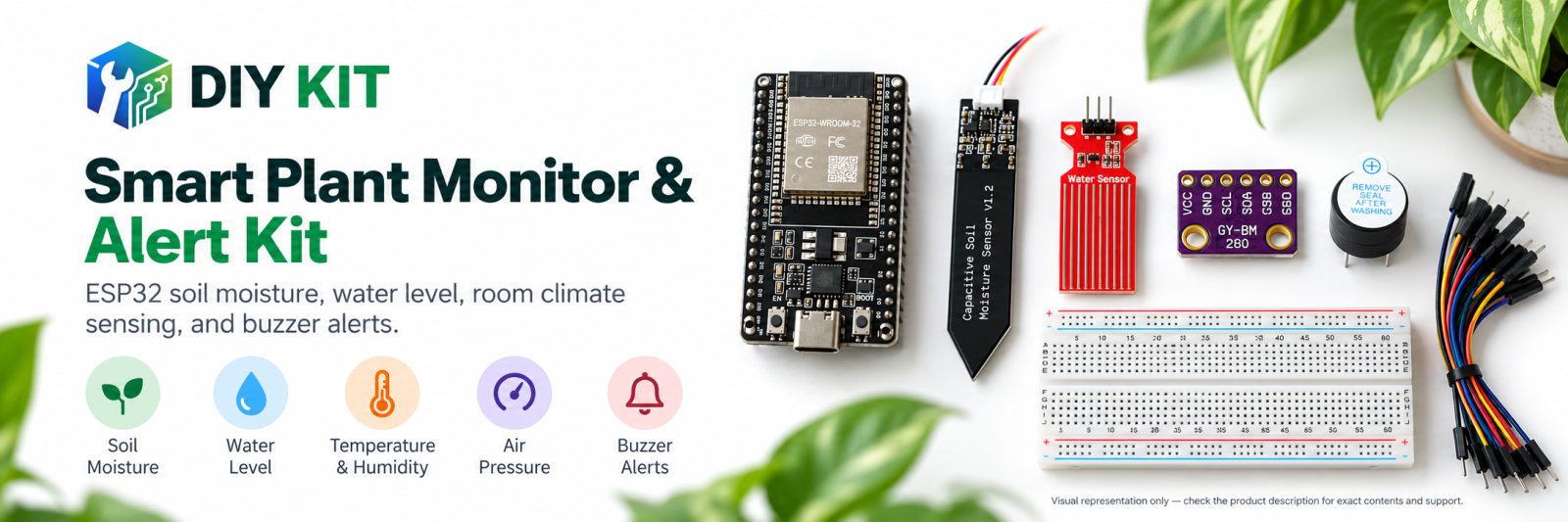
What you build and learn
- Reading a BME280 over I2C with a library
- What relative humidity and air pressure mean
- How altitude can be estimated from pressure
- Sensor settling time and self-heating
The BME280 measures temperature, relative humidity and barometric pressure inside one chip and sends the results over the I2C bus (two wires, SDA and SCL).
Pressure falls as you go up and changes with the weather. Sea level on an average day is about 1013 hPa; the sketch uses that to estimate altitude, so the altitude figure moves when the weather changes even if you do not.
Each row also keeps the lowest and highest temperature since start-up. Breathe gently near the sensor and watch humidity jump and slowly settle — that settling time is part of what you are measuring.
What this project uses
Every item is in the kit — nothing extra to buy.

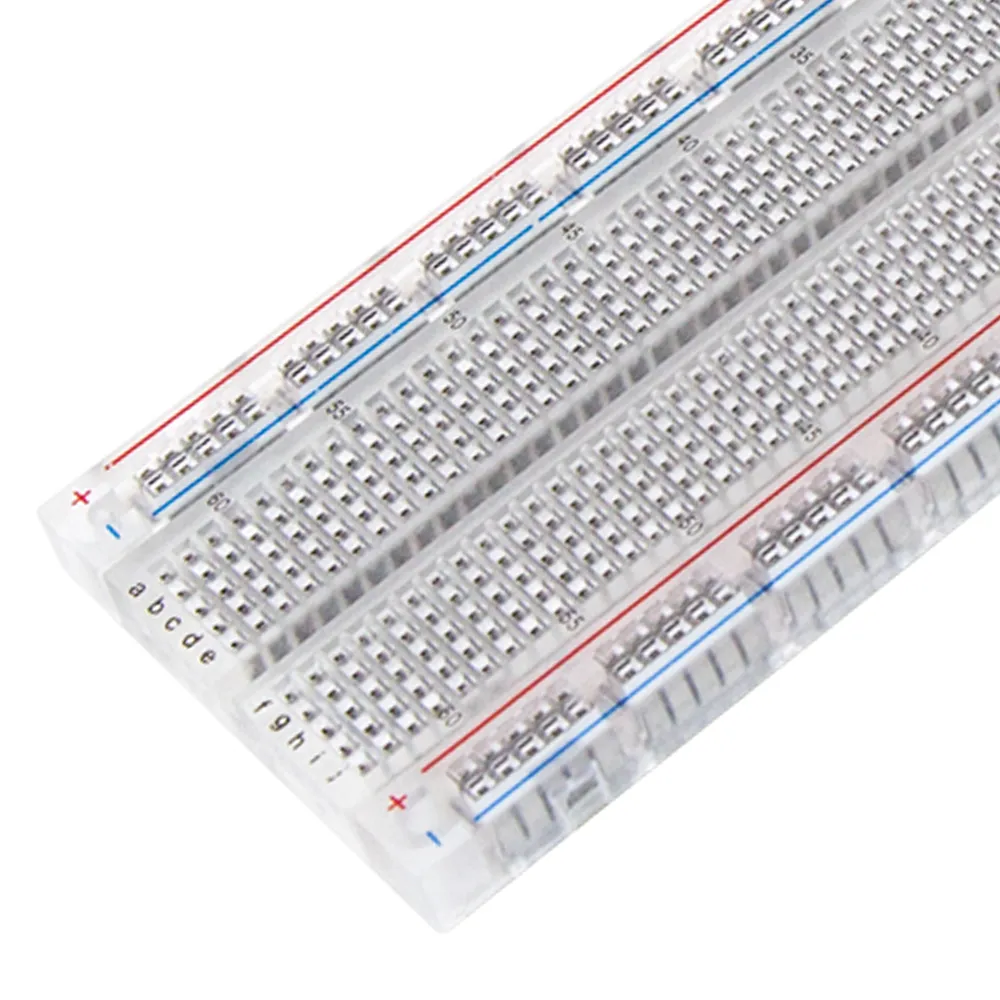
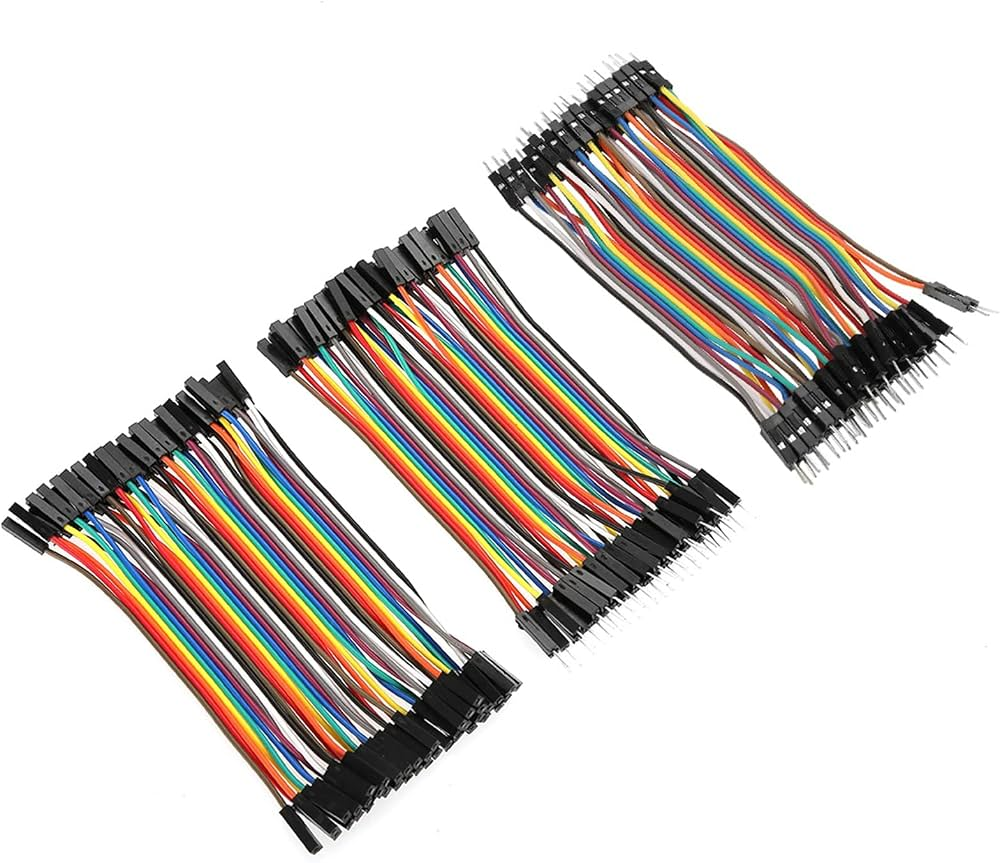
ESP32 Plant Monitoring Learning Kit
All 6 parts in one box, with this project and 6 more to build from them.
Need only these parts? Order them loose · from AED 52.41
One of each part. Packs (resistor assortment, jumper wires) already hold more than a single build needs. ESP32U: included in the kit, ask us for it loose. Delivery is AED 20, free on orders AED 100+.
Connections
Unplug USB before you change any wire. Pin names are the labels printed on the board.
| Part / pin | Connect to | Note |
|---|---|---|
| ESP32 3V3 | Breadboard + rail | 3.3 V only — ESP32 inputs must not see 5 V |
| ESP32 GND | Breadboard − rail | |
| BME280 VIN / VCC | + rail (3V3) | |
| BME280 GND | − rail | |
| BME280 SDA | GPIO21 | |
| BME280 SCL | GPIO22 |
Step by step
- In Arduino IDE install the ESP32 boards package (Boards Manager → esp32 by Espressif) and, from Library Manager, Adafruit BME280 and Adafruit Unified Sensor. Select the ESP32 Dev Module board and your USB port.
- With USB unplugged, wire the BME280: VIN to 3V3, GND, SDA to GPIO21, SCL to GPIO22. Place it at the far end of the breadboard, away from the ESP32, which gets warm.
- Upload the BME280 room environment station sketch. Open Tools → Serial Monitor at 115200 baud, with the line ending set to Newline.
- Leave it for 5 minutes and note where temperature and humidity settle.
- Breathe gently towards the sensor once. Note how high humidity goes and how many seconds it takes to come back.
- Move the board near a window, a fan or a plant and compare. Keep it out of direct sun and away from water.
- Compare the pressure with a local weather report for your city.
Sketch for this project
Written for the board in the kit. Copy it into the Arduino IDE; change the pin numbers if you wire it differently.
/*
  ESP32 Plant Monitoring Learning Kit
  Project 4: BME280 room environment station

  Wiring: BME280 VIN 3V3, GND, SDA GPIO21, SCL GPIO22.

  What you learn: one I2C chip gives temperature, humidity and pressure.
  Pressure changes with the weather and with altitude - 1013 hPa is sea
  level on an average day. Keep the module away from your fingers and the
  warm ESP32, and watch how long a reading takes to settle after you
  breathe on it.
*/

#include <Wire.h>
#include <Adafruit_Sensor.h>
#include <Adafruit_BME280.h>

Adafruit_BME280 bme;

const float SEA_LEVEL_HPA = 1013.25;
const unsigned long REPORT_MS = 2000;
unsigned long lastReport = 0;
float minTemp = 99, maxTemp = -99;

void setup() {
  Serial.begin(115200);
  Wire.begin(21, 22);
  if (!bme.begin(0x76, &Wire)) {
    Serial.println("BME280 not found at 0x76 - try 0x77 or check SDA/SCL");
    while (true) delay(1000);
  }
  Serial.println("t_s,temp_c,humidity_pct,pressure_hpa,altitude_m,min_temp,max_temp");
}

void loop() {
  if (millis() - lastReport < REPORT_MS) return;
  lastReport = millis();
  float temperature = bme.readTemperature();
  float humidity = bme.readHumidity();
  float pressure = bme.readPressure() / 100.0;
  float altitude = bme.readAltitude(SEA_LEVEL_HPA);
  if (temperature < minTemp) minTemp = temperature;
  if (temperature > maxTemp) maxTemp = temperature;
  Serial.print(millis() / 1000); Serial.print(",");
  Serial.print(temperature, 1); Serial.print(",");
  Serial.print(humidity, 1); Serial.print(",");
  Serial.print(pressure, 1); Serial.print(",");
  Serial.print(altitude, 0); Serial.print(",");
  Serial.print(minTemp, 1); Serial.print(",");
  Serial.println(maxTemp, 1);
}- The sketch looks for the BME280 at address 0x76. If it says not found, change it to 0x77 in bme.begin().
- SEA_LEVEL_HPA (1013.25) is the reference for the altitude estimate. Put in today's sea-level pressure from a weather report for a better altitude.
- REPORT_MS (2000) prints every 2 seconds.
What you should see
- A header t_s,temp_c,humidity_pct,pressure_hpa,altitude_m,min_temp,max_temp, then a row every 2 s.
- Indoor values roughly 20–35 °C and 30–70 % humidity; pressure near 1000–1020 hPa close to sea level.
- A humidity jump of several percent when you breathe on it, settling back over tens of seconds.
If it doesn't work
| Problem | What to check |
|---|---|
| Upload fails or no port appears | Use a USB cable that carries data, not a charge-only one. Hold the BOOT button while the upload starts if it stays at 'Connecting…'. |
| Garbled text in the Serial Monitor | Set the baud rate to 115200. |
| 'BME280 not found at 0x76' | Check the four wires. If they are right, change the address to 0x77. Some modules label SDA as SDI and SCL as SCK. |
| Temperature reads several degrees high | The sensor is picking up heat from the ESP32 or your hand. Move it away on longer wires. |
| Not found at 0x76 or 0x77, wiring correct | The chip may be a BMP280 (no humidity sensor), which the BME280 library will not accept. Check the marking on the chip. |
Try next
- Log a whole day with the Serial Data Logger and chart pressure — you can see weather fronts pass.
- Compare readings inside and outside a closed box with a damp cloth.
More from this kit
Serial data logger and charts
Capture the sketch's machine-readable DATA lines, import them into a spreadsheet, and chart how the references change after watering or as a test sample dries. Add times…
Optional audible-alert investigation
Characterize the buzzer's current, trigger threshold, and active level before choosing a transistor or driver. Write and compile a separate alert sketch only after the i…
Calibrated plant-monitoring lab
Build the reviewed main project, capture four local calibration endpoints, and stream soil, water, temperature, humidity, pressure, and status data to Serial Monitor. Th…
