Soil-Moisture Calibration Study
Discover why a soil sensor never gives a 'real' percentage. Record the raw reading in air and in water, then test dry, damp and wet soil, probe depth and packing — and graph how much those choices change the number.
What you build and learn
- How a capacitive soil sensor works
- Raw ADC values versus calibrated percentages
- Repeating a measurement to check it is reliable
- Turning observations into a simple graph
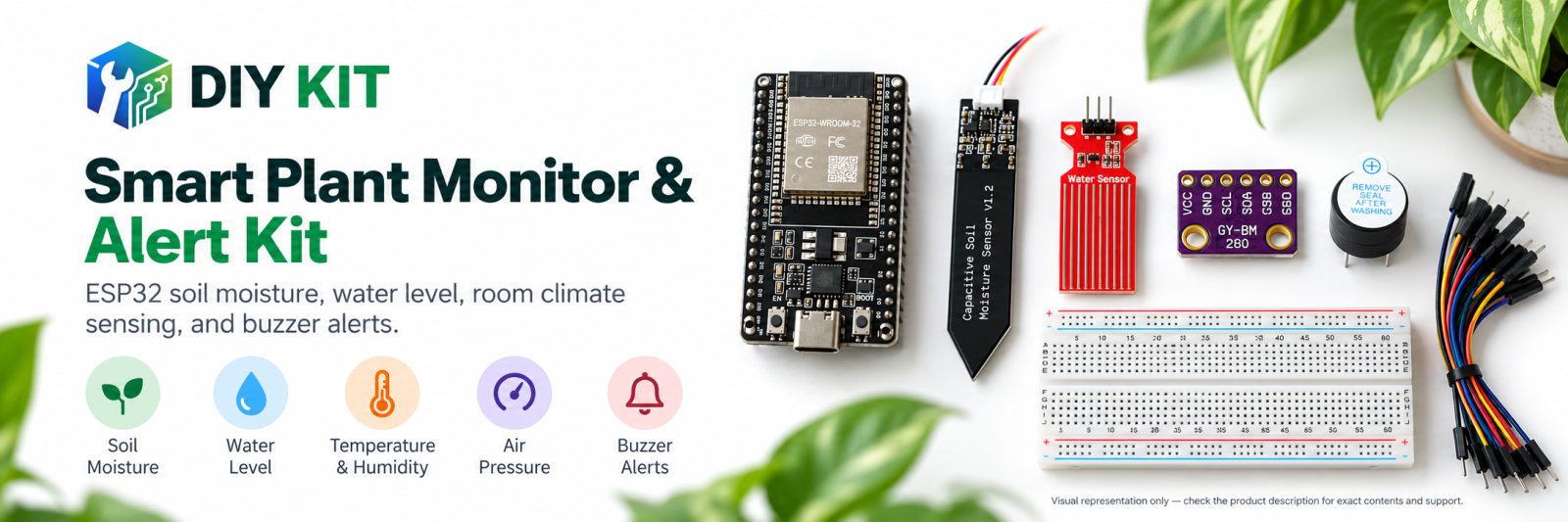
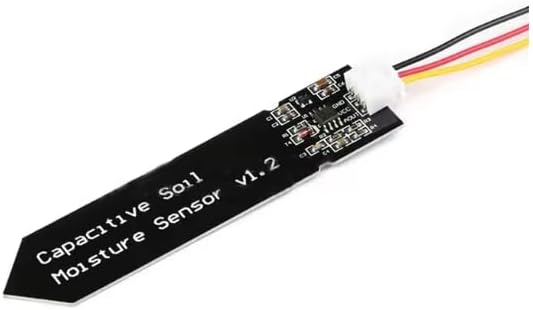
The sensor's blade is one plate of a capacitor; the soil around it is the material in between. Water changes how much charge the capacitor holds, and the module turns that into a voltage. The ESP32 reads the voltage as a number from 0 to 4095 — on most of these sensors the number goes down as the soil gets wetter.
Type d with the sensor in air and the sketch saves the dry end; type w with it in a glass of water and it saves the wet end. Every reading after that becomes a percentage between those two ends.
That is why two kits never agree on '40 %': the percentage depends on the soil type, how deep the probe sits, how tightly the soil is packed and the endpoints you chose. The sketch also keeps the lowest and highest raw values it has seen so you can judge how stable a reading is.
What this project uses
Every item is in the kit — nothing extra to buy.
ESP32 Plant Monitoring Learning Kit
All 6 parts in one box, with this project and 6 more to build from them.
Need only these parts? Order them loose · from AED 52.76
One of each part. Packs (resistor assortment, jumper wires) already hold more than a single build needs. ESP32U, user-supplied dry and wet soil references: included in the kit, ask us for it loose. Delivery is AED 20, free on orders AED 100+.
Connections
Unplug USB before you change any wire. Pin names are the labels printed on the board.
| Part / pin | Connect to | Note |
|---|---|---|
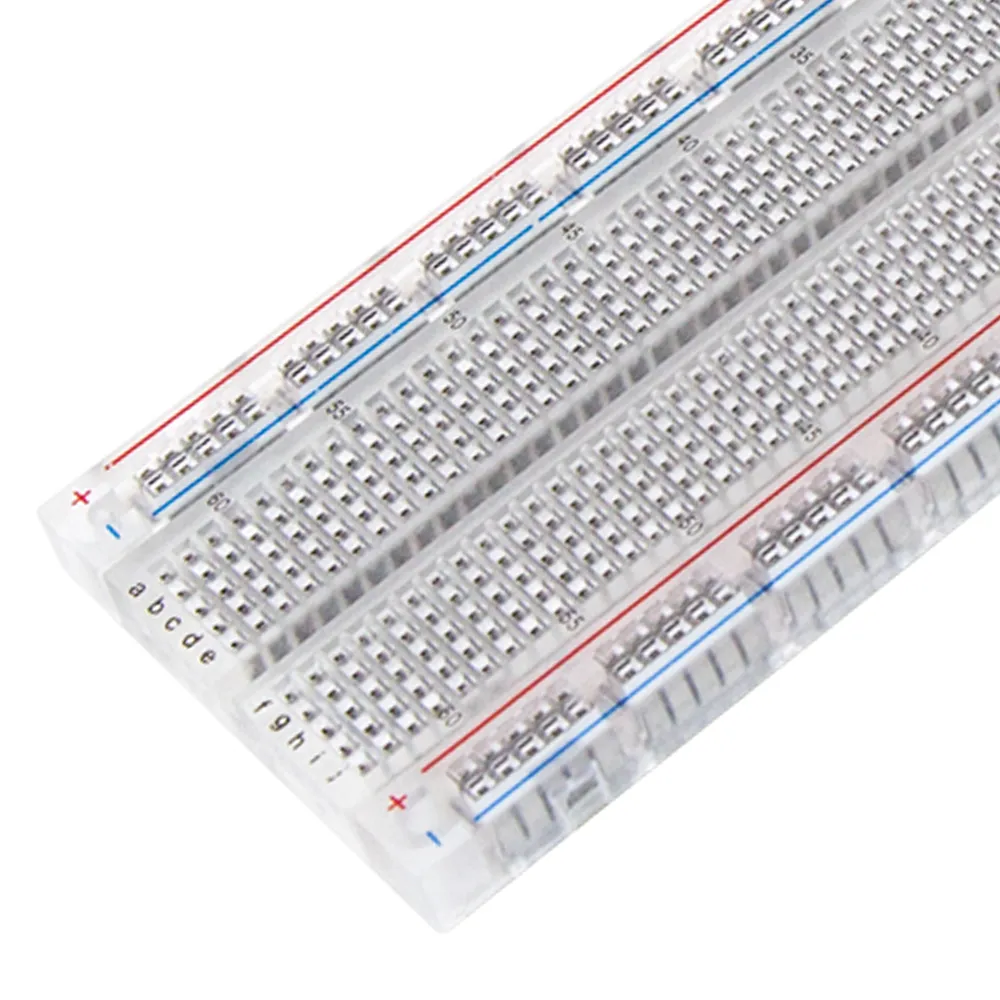
| ESP32 3V3 | Breadboard + rail | 3.3 V only — ESP32 inputs must not see 5 V |
| ESP32 GND | Breadboard − rail | |
| Soil sensor VCC | + rail (3V3) | |
| Soil sensor GND | − rail | |
| Soil sensor AOUT | GPIO34 | GPIO34 is input-only — ideal for an analog sensor |
Step by step
- In Arduino IDE install the ESP32 boards package (Boards Manager → esp32 by Espressif) and, from Library Manager, Adafruit BME280 and Adafruit Unified Sensor. Select the ESP32 Dev Module board and your USB port.
- With USB unplugged, wire the soil sensor: VCC to 3V3, GND to GND, AOUT to GPIO34.
- Upload the Soil-moisture calibration study sketch. Open Tools → Serial Monitor at 115200 baud, with the line ending set to Newline.
- Hold the probe in the air, wait for the raw value to settle, and type d. Then dip the blade in a glass of water up to the line (never over the electronics) and type w.
- Push the probe into the dry, damp and wet soil cups in turn, to the same depth. Wait 10 seconds in each and write down raw and percent.
- Repeat in the damp cup at half depth, and again with the soil pressed down firmly. Note how much the reading moves.
- Plot raw value against cup in a spreadsheet. Type r to reset the endpoints and try calibrating with dry and wet soil instead of air and water.
Sketch for this project
Written for the board in the kit. Copy it into the Arduino IDE; change the pin numbers if you wire it differently.
/*
  ESP32 Plant Monitoring Learning Kit
  Project 2: Soil-moisture calibration study

  Wiring: capacitive soil sensor VCC 3V3, GND, AOUT GPIO34.

  What you learn: the sensor does not give a percentage - it gives a raw
  number that depends on the soil, the depth and the sensor coating. Hold
  it in the air (dry), then in a glass of water (wet), and the sketch
  records both ends. Everything after that is a percentage BETWEEN those
  two readings, which is why two kits never agree on "40 %".
*/

const int SOIL_PIN = 34;
const int ADC_SAMPLES = 24;
const int MIN_SPAN = 150;
const unsigned long REPORT_MS = 1000;

int dryRaw = -1, wetRaw = -1;
int lowest = 4095, highest = 0;
unsigned long lastReport = 0;

int readAverage() {
  long sum = 0;
  for (int i = 0; i < ADC_SAMPLES; i++) { sum += analogRead(SOIL_PIN); delay(2); }
  return sum / ADC_SAMPLES;
}

void setup() {
  Serial.begin(115200);
  pinMode(SOIL_PIN, INPUT);
  analogReadResolution(12);
  Serial.println("Type d (sensor in air) or w (sensor in water) in the Serial input, r to reset.");
  Serial.println("t_s,raw,lowest,highest,percent");
}

void loop() {
  if (Serial.available()) {
    char c = Serial.read();
    if (c == 'd') { dryRaw = readAverage(); Serial.print("dry endpoint = "); Serial.println(dryRaw); }
    if (c == 'w') { wetRaw = readAverage(); Serial.print("wet endpoint = "); Serial.println(wetRaw); }
    if (c == 'r') { dryRaw = wetRaw = -1; lowest = 4095; highest = 0; Serial.println("reset"); }
  }
  if (millis() - lastReport < REPORT_MS) return;
  lastReport = millis();
  int raw = readAverage();
  if (raw < lowest) lowest = raw;
  if (raw > highest) highest = raw;
  Serial.print(millis() / 1000); Serial.print(",");
  Serial.print(raw); Serial.print(",");
  Serial.print(lowest); Serial.print(",");
  Serial.print(highest); Serial.print(",");
  if (dryRaw >= 0 && wetRaw >= 0 && abs(dryRaw - wetRaw) >= MIN_SPAN) {
    int percent = map(raw, dryRaw, wetRaw, 0, 100);
    Serial.println(constrain(percent, 0, 100));
  } else {
    Serial.println("uncalibrated");
  }
}- Commands: d = dry endpoint (in air), w = wet endpoint (in water), r = reset.
- MIN_SPAN (150) — if the two endpoints are closer than this the sketch keeps saying uncalibrated.
- ADC_SAMPLES (24) readings are averaged for each value. REPORT_MS (1000) prints once a second.
What you should see
- A header t_s,raw,lowest,highest,percent, then one row per second.
- 'uncalibrated' in the percent column until both endpoints are set.
- Dry soil reading near 0 %, wet soil near the top end — and different numbers when you change depth or packing.
If it doesn't work
| Problem | What to check |
|---|---|
| Upload fails or no port appears | Use a USB cable that carries data, not a charge-only one. Hold the BOOT button while the upload starts if it stays at 'Connecting…'. |
| Garbled text in the Serial Monitor | Set the baud rate to 115200. |
| Raw value does not change | Check AOUT is on GPIO34 and VCC on 3V3. Push the blade in deeper — only the lower part senses. |
| Percent stuck at 0 or 100 | The sketch clips the percentage to 0–100, so soil wetter or drier than your endpoints reads 0 or 100. Recalibrate with r, d and w. |
Try next
- Repeat with a sandy soil and a potting mix and compare.
- Use your best dry/wet soil endpoints in the main build's soil-dry and soil-wet captures.
More from this kit
Calibrated plant-monitoring lab
Build the reviewed main project, capture four local calibration endpoints, and stream soil, water, temperature, humidity, pressure, and status data to Serial Monitor. Th…
Short-duration water-level experiment
Mark several safe test depths, energize only long enough to record stable readings, then power down, rinse, and dry the tracks. Study repeatability and corrosion risk; d…
BME280 room environment station
Measure temperature, relative humidity, and pressure near a plant while keeping the module dry and away from direct sun, water, fingers, and warm electronics. Compare se…
