Arduino Ultrasonic Distance & Parking Learning Kit
Buying these 9 parts one by one costs AED 140.99 — the kit saves you AED 55.99 (40%).
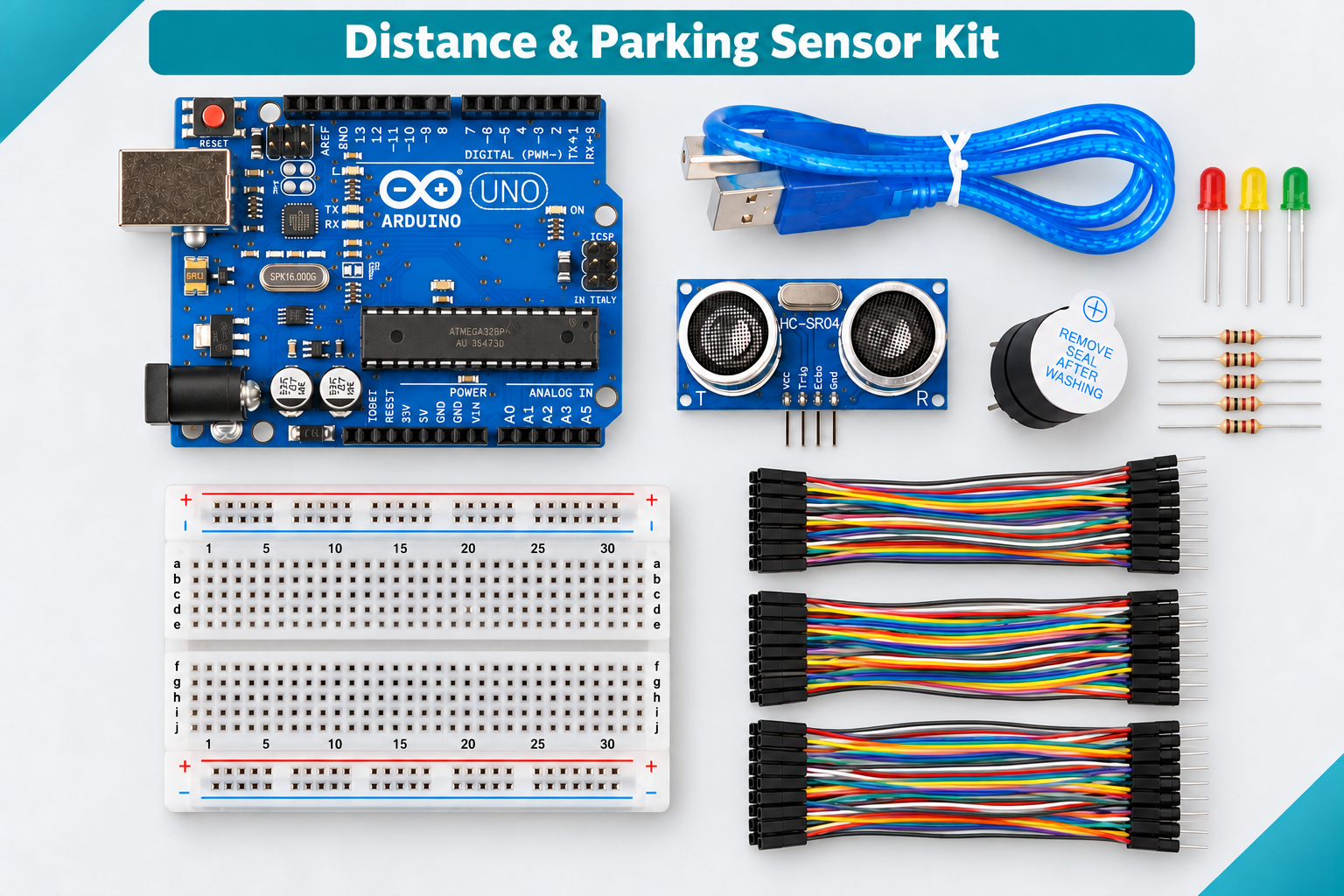
Some images are AI-generated illustrations, made to match this kit’s actual contents. Colours and small details may differ — see “In the box” and the kit details below for the exact parts.
A beginner's Arduino UNO kit about measuring distance with sound: Start here, then 9 lessons - read the HC-SR04, light green, yellow and red LEDs by distance, add a parking beeper, explore the sensor's limits, calibrate it, smooth the readings and show them on an OLED - ending in a Distance Lab that uses every part. Each lesson has a wiring diagram, code and troubleshooting. Wiring design-reviewed and code compiler-checked; the complete physical assembly is not bench-tested. A learning model only - not a vehicle safety device.
Tabletop learning model only — Not a vehicle or safety device. Safety notes
Tabletop learning model only
Not a vehicle or safety device. Never rely on this kit for collision prevention, reversing assistance, stopping distance, access control, unattended protection or any safety decision.
- Unplug USB and the battery before moving wires. Check 5V and GND before you plug back in.
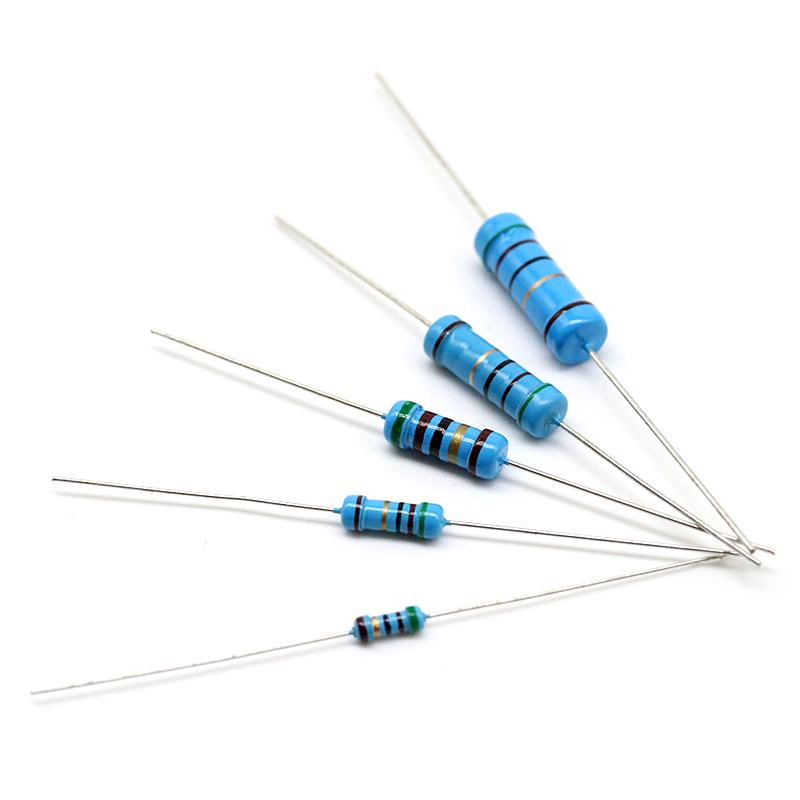
- Give every LED its own 220 ohm resistor. Never connect an LED straight from an UNO pin to GND.
- Keep the active buzzer away from ears, test it briefly, and mute it with sound off (Lesson 9) when needed.
- Ultrasonic readings change with the target's angle, size, shape and surface, with movement, temperature and nearby reflections. "No echo" means unknown - not clear or safe.
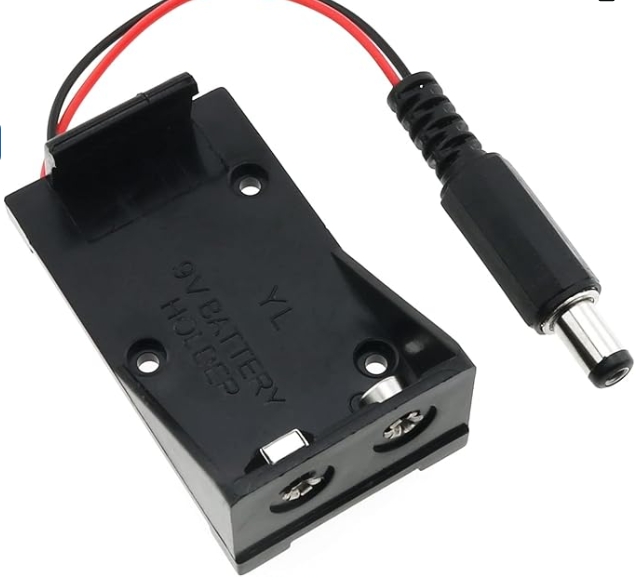
- The 9V battery holder is for a short demo only (battery not included). Unplug USB before plugging it into the UNO, and unplug it before reconnecting USB.
- Wiring design-reviewed and code compiler-checked for the Arduino UNO; the complete physical assembly is not bench-tested. Go by the labels printed on your parts.
Recommended age: 12+, with adult supervision for younger beginners; adult help is required for any soldering.
9 lessons, in order
All built from the parts in the box plus the basics under You also need. Each one has its own page with wiring, steps and code.
- 1 Measure Distance with Sound Wire the ultrasonic sensor, then read the distance to a book on your computer screen and check it against a ruler. 30-45 min · Beginner
- 2 Traffic-Light Distance Indicator Add three LEDs that act like a traffic light for distance: green when it is far, yellow when it gets close and red when it is near. 30 min · Beginner
- 3 Parking Beeper Add the buzzer to make a desk-size parking sensor: slow beeps when something is near, fast beeps when it is very close. 30 min · Beginner
- 4 Blind Zone & No Echo Find out where the sensor fails: too close, too far, too soft or at an angle. The LEDs and the Serial Monitor count each kind of reading. 25 min · Beginner
- 5 Calibrate Your Sensor Turn the UNO into a measuring instrument: type the ruler distance and it prints the average, error and spread of 10 readings, ready for a spreadsheet. 40 min · Beginner Extra equipment
- 6 Angles & Surfaces Fire 20 pings at different targets - flat, soft, round, thin, tilted - and count how many echoes come back. Find out what the sensor finds hard to se… 40 min · Beginner Extra equipment
- 7 Smoothing Noisy Readings Draw three lines on a live graph - raw, average and median - and see which filter handles a sudden spike best. 30 min · Intermediate
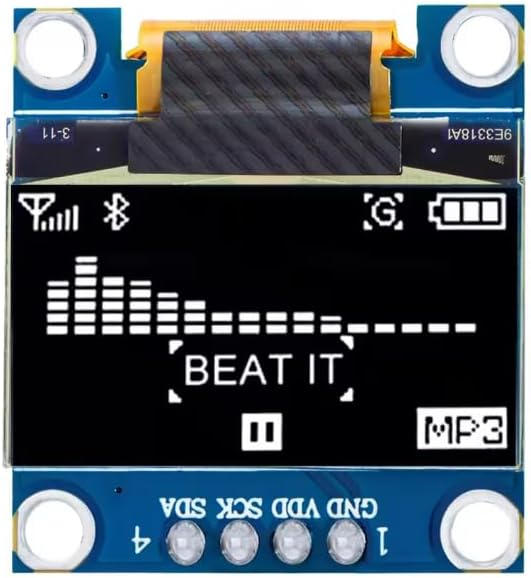
- 8 OLED Distance Meter Show the distance in big numbers on the small OLED screen, with the zone and a bar graph. You will install your first Arduino libraries. 45 min · Intermediate Adult help
- 9 Everything Together - Distance Lab Run everything at once - LEDs, beeper, median filter and OLED - and control it with typed commands. Then run it from a 9V battery. 45-60 min · Intermediate Extra equipment
Included parts (9)
Lost or damaged a part? Every part name below opens its own page, so you can buy a replacement or an extra on its own.
controller 1 part

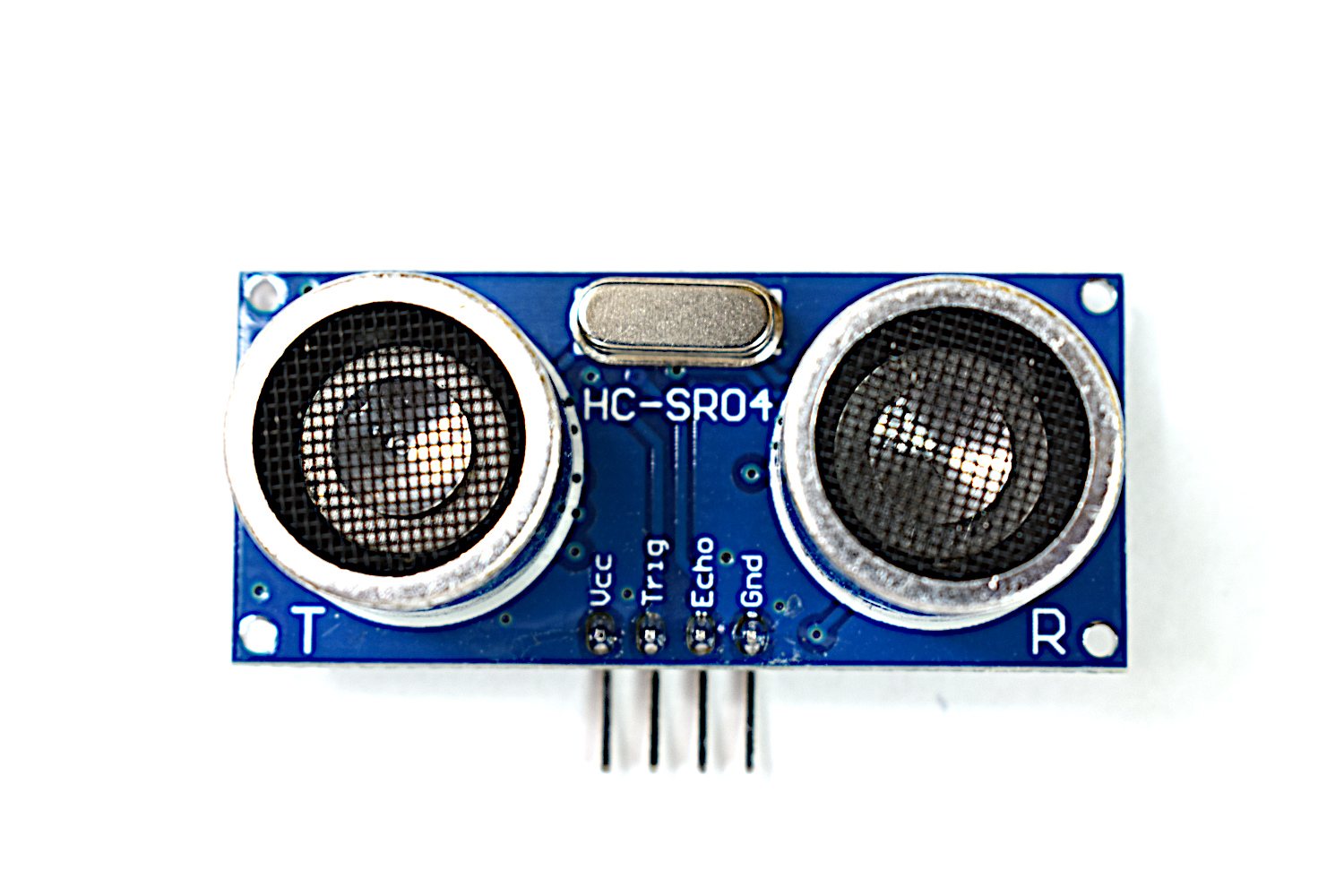
sensor 1 part
actuator 1 part

display 2 parts
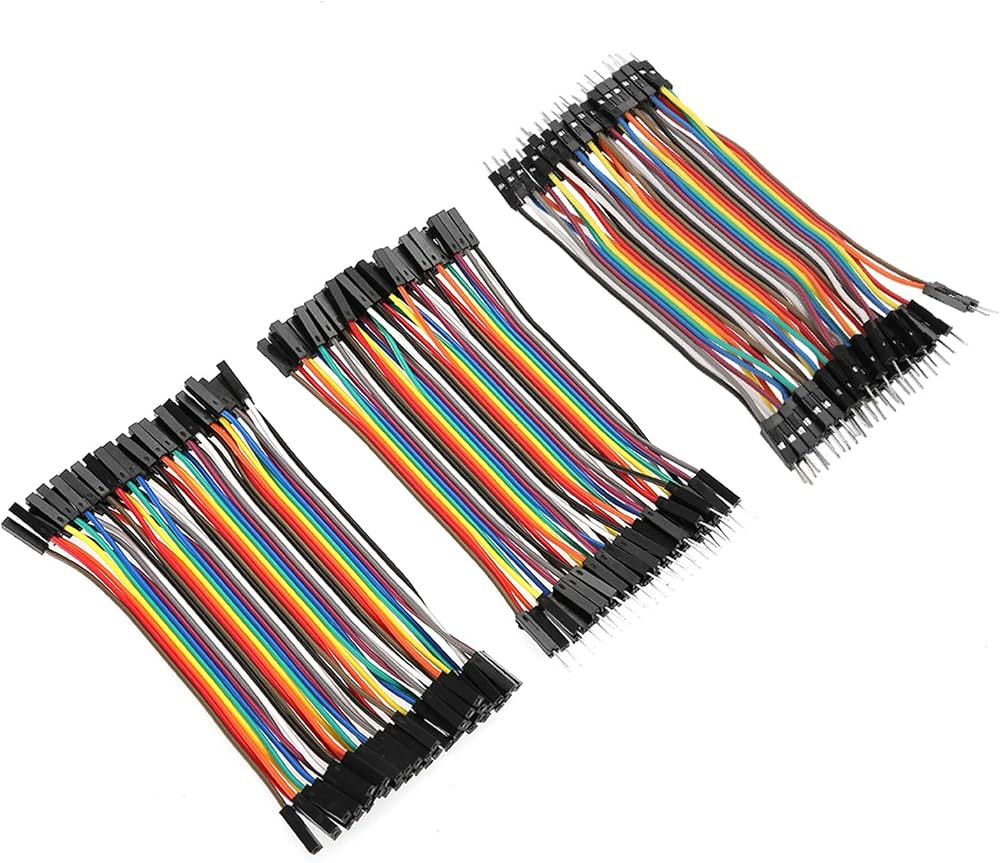
wiring 2 parts
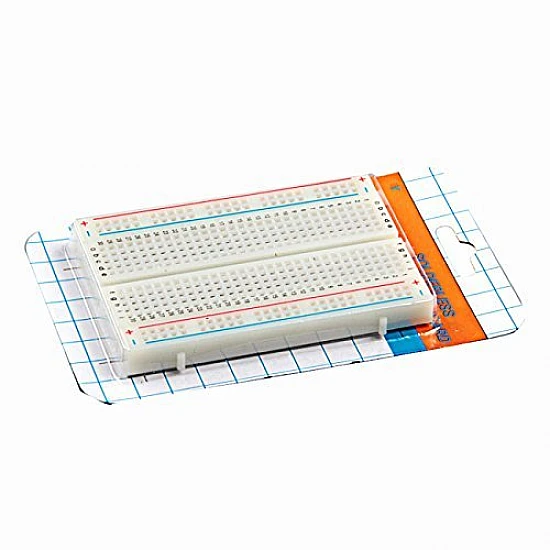
structure 1 part
power 1 part
You also need (7)
Have these ready before you start. They are not in the kit.
- 1Computer with the free Arduino IDE 2 (Windows, macOS, Linux), or a Chromebook with the Arduino Cloud Editor
- 2A free USB-A port, or an adapter, for the included UNO USB cable
- 3A ruler or tape measure and a book or flat card; a cushion, bottle and pencil for Lessons 4 and 6
- 4The free Adafruit SSD1306 and GFX libraries for Lessons 8-9 (installed from the IDE, Lesson 8 step 1)
- 5Optional: a spreadsheet program for Lesson 5, and a 9V battery for the Lesson 9 battery demo (battery not included)
- 6Only if your OLED has no header pins: a 4-pin header and soldering, done by an adult (Lesson 8)
- 7An adult nearby for younger builders
When the box arrives
The build page is free with the kit: set-up, every lesson with wiring and steps and code, and a Stuck? box. Every lesson also runs in the online simulator.
- 1 Check the box 9 parts, each with a photo. Tick them off against the list.
- 2 Get what is not in the box 7 items to have ready, e.g. Computer with the free Arduino IDE 2 (Windows, macOS, Linux…
- 3 Set up Install the free software, plug in the board and upload a first test (about 30-45 min).
- 4 Do the lessons in order 9 lessons, each with wiring, steps, code and troubleshooting.
- 5 Stuck? Check the Stuck? box on the build page, then message us with a photo.
Who it's for
Research a beginner distance-sensing kit for parking-assist demos and proximity alerts.
No electronics experience needed: do Start here, then the 9 lessons in order. Lessons 1-6 are for beginners; 7-9 add filters, libraries and a bigger program. Everything pushes into the breadboard - no soldering, unless your OLED arrives without pins.
30-45 min setup, then 9 lessons of 25-60 min (about 6 hours in all). The set-up alone — computer, cable, first upload — is about 30-45 min.
7 things to have ready, starting with Computer with the free Arduino IDE 2 (Windows, macOS, Linux), or a Chromebook with the Ar… See the list →
Suited to beginners. Classroom sets are quoted per seat — ask for a bulk price.
How it compares
| Kit | Level | Parts | Build guide | Price |
|---|---|---|---|---|
| This kit Arduino Ultrasonic Distance & Parking Learnin… | Beginner | 9 | 10 steps | AED 85.00 |
| Arduino UNO Sensor & Output Starter Kit - LED… | Beginner | 10 | 8 steps | AED 85.00 |
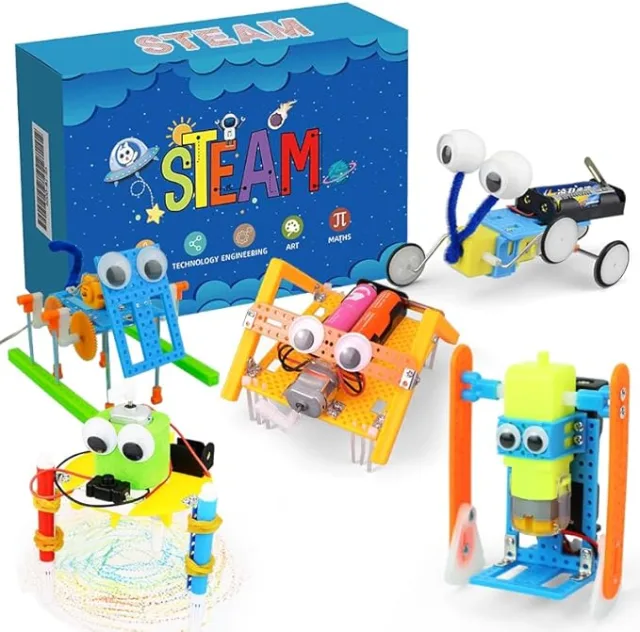
| 5-in-1 STEAM Robot Building Kit for Kids Ages… | Beginner | — | — | AED 88.74 |
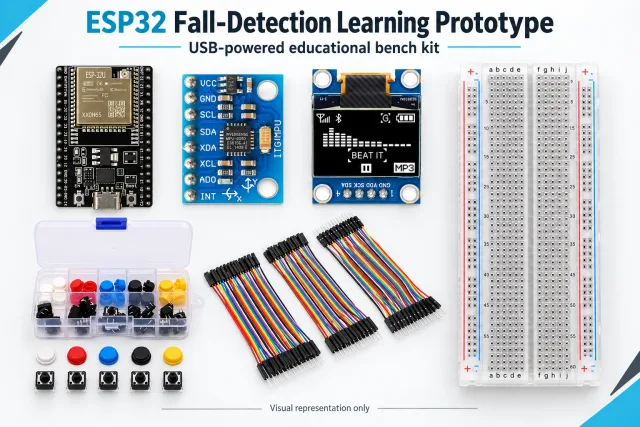
| ESP32 Fall-Detection Learning Prototype | Intermediate | 7 | 6 steps | On request |
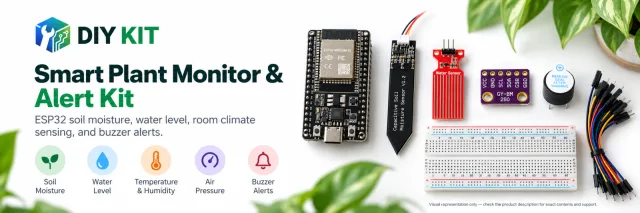
| ESP32 Plant Monitoring Learning Kit | Intermediate | 7 | 14 steps | On request |
Frequently asked
This kit is rated Beginner — no prior electronics experience assumed. It is built around the arduino uno platform.
30-45 min setup, then 9 lessons of 25-60 min (about 6 hours in all). The build page breaks it into 10 steps.
All 9 parts listed under In the box, counted and checked before dispatch. Anything you supply yourself is listed under You also need.
Recorded in our catalogue as suited to beginners. Bulk pricing is available for classroom sets.
Yes. The code is uploaded to the board from a computer — Computer with the free Arduino IDE 2 (Windows, macOS, Linux), or a Chromebook with the Arduino Cloud Editor. Check the You need section for any tools, power supplies or other extras required.
Yes. 9 sketches, one per lesson, written for the board in this kit. You copy each one, upload it and change it, and the online simulator runs every one on screen.
On the build page (Start here): set-up, 9 lessons with wiring and steps, a printable manual, and a Stuck? box with a WhatsApp line to us. The link is in the price box and under "After you buy".
Message us with your order number and a photo. Every part also has its own product page, so a replacement or an extra can be bought on its own.
%22%2F%3E%3Cellipse%20cx%3D%2228%22%20cy%3D%2224%22%20rx%3D%2226%22%20ry%3D%2214%22%20fill%3D%22rgba(255%2C255%2C255%2C.18)%22%2F%3E%3Crect%20x%3D%2222%22%20y%3D%2228%22%20width%3D%2256%22%20height%3D%2250%22%20rx%3D%2212%22%20fill%3D%22url(%23b)%22%20filter%3D%22url(%23s)%22%2F%3E%3Cellipse%20cx%3D%2234%22%20cy%3D%2236%22%20rx%3D%2212%22%20ry%3D%226%22%20fill%3D%22rgba(255%2C255%2C255%2C.28)%22%20transform%3D%22rotate(-18%2034%2036)%22%2F%3E%3Crect%20x%3D%2234%22%20y%3D%2215%22%20width%3D%225%22%20height%3D%2214%22%20rx%3D%222.5%22%20fill%3D%22%236ee7b7%22%2F%3E%3Crect%20x%3D%2261%22%20y%3D%2215%22%20width%3D%225%22%20height%3D%2214%22%20rx%3D%222.5%22%20fill%3D%22%236ee7b7%22%2F%3E%3Ccircle%20cx%3D%2236.5%22%20cy%3D%2214%22%20r%3D%224%22%20fill%3D%22%23a7f3d0%22%2F%3E%3Ccircle%20cx%3D%2263.5%22%20cy%3D%2214%22%20r%3D%224%22%20fill%3D%22%23a7f3d0%22%2F%3E%3Crect%20x%3D%2228%22%20y%3D%2242%22%20width%3D%2244%22%20height%3D%2222%22%20rx%3D%226%22%20fill%3D%22%23022c22%22%2F%3E%3Cline%20x1%3D%2228%22%20y1%3D%2250%22%20x2%3D%2272%22%20y2%3D%2250%22%20stroke%3D%22%2334d399%22%20stroke-width%3D%22.8%22%20stroke-opacity%3D%22.5%22%2F%3E%3Cline%20x1%3D%2228%22%20y1%3D%2257%22%20x2%3D%2272%22%20y2%3D%2257%22%20stroke%3D%22%2334d399%22%20stroke-width%3D%22.8%22%20stroke-opacity%3D%22.5%22%2F%3E%3Cline%20x1%3D%2244%22%20y1%3D%2242%22%20x2%3D%2244%22%20y2%3D%2264%22%20stroke%3D%22%2334d399%22%20stroke-width%3D%22.8%22%20stroke-opacity%3D%22.5%22%2F%3E%3Cline%20x1%3D%2256%22%20y1%3D%2242%22%20x2%3D%2256%22%20y2%3D%2264%22%20stroke%3D%22%2334d399%22%20stroke-width%3D%22.8%22%20stroke-opacity%3D%22.5%22%2F%3E%3Ccircle%20cx%3D%2238%22%20cy%3D%2252%22%20r%3D%226%22%20fill%3D%22%2334d399%22%20opacity%3D%22.9%22%2F%3E%3Ccircle%20cx%3D%2262%22%20cy%3D%2252%22%20r%3D%226%22%20fill%3D%22%2334d399%22%20opacity%3D%22.9%22%2F%3E%3Ccircle%20cx%3D%2236.5%22%20cy%3D%2250.5%22%20r%3D%222%22%20fill%3D%22white%22%2F%3E%3Ccircle%20cx%3D%2260.5%22%20cy%3D%2250.5%22%20r%3D%222%22%20fill%3D%22white%22%2F%3E%3Cpath%20d%3D%22M36%2068%20Q50%2076%2064%2068%22%20fill%3D%22none%22%20stroke%3D%22%23022c22%22%20stroke-width%3D%222.5%22%20stroke-linecap%3D%22round%22%2F%3E%3C%2Fsvg%3E)